Async/Await in JavaScript Explained Simply
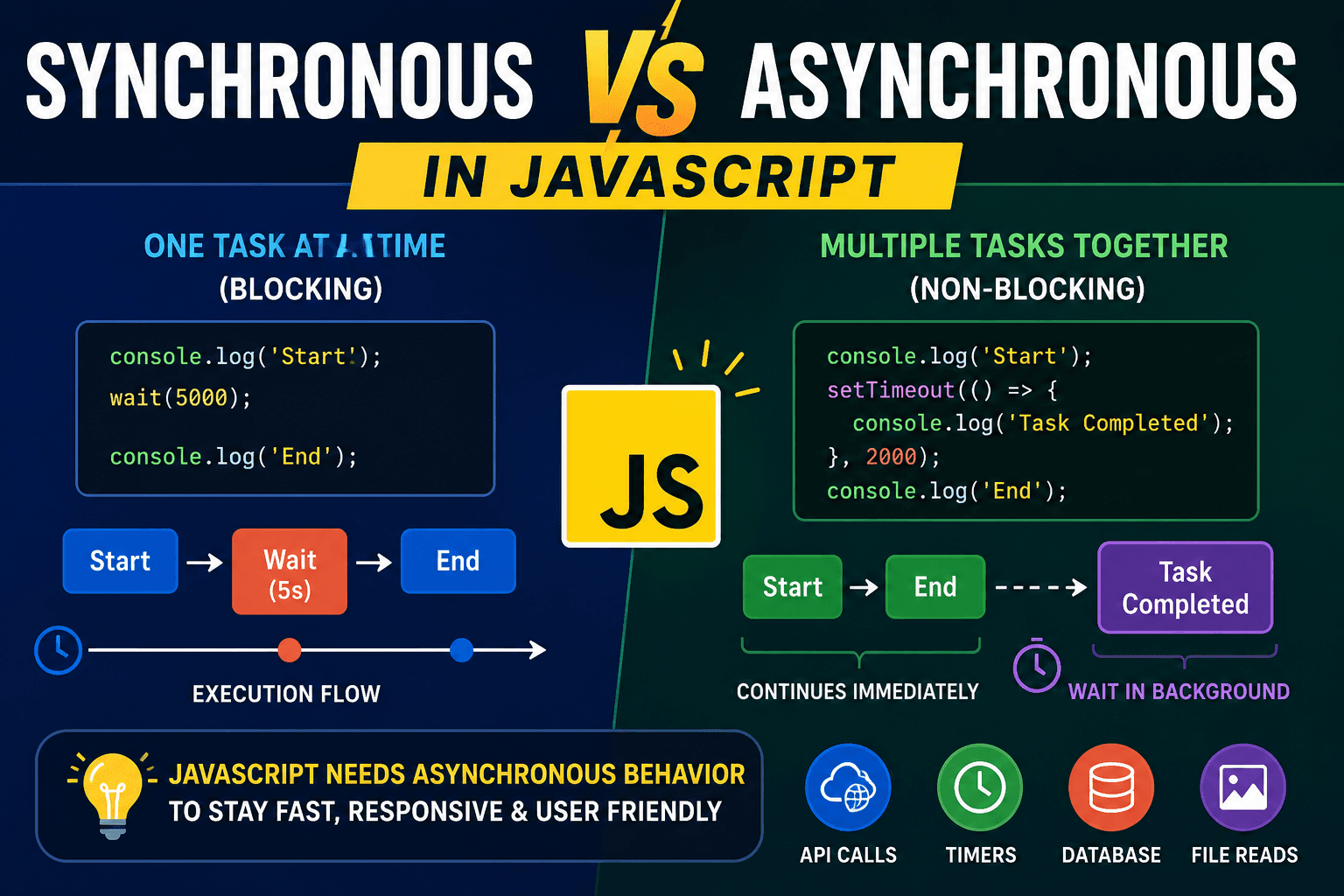
JavaScript is run on a single thread, meaning that only one task can be processed at a time. But modern web applications are always dealing with things that take a long time, like fetching data from a REST API, reading & writing files, or connecting to databases for grabbing some data. If JavaScript had to wait for every slow task to complete before it could continue, applications would feel frozen and unresponsive.
To solve this problem, JavaScript introduced asynchronous programming. Initially, developers only used callbacks. Afterwards, promises made things better. But as applications grew bigger, even promises began to produce code that looked hard to read and manage. That's why async/await was introduced in ES2017.
Async/await is not a completely new system. It is actually built on top of promises. You can think of it as syntactic sugar that makes asynchronous code look cleaner and easier to understand.
Before async/await, developers commonly wrote code like this:
function fetchData() {
  return new Promise((resolve) => {
    setTimeout(() => {
      resolve("Data received");
    }, 2000);
  });
}

fetchData()
  .then((result) => {
    console.log(result);
  })
  .catch((error) => {
    console.log(error);
  });
This works perfectly fine, but when multiple asynchronous operations are chained together, the code becomes harder to follow. Async/await solves this readability issue.
Here is the same example using async/await:
function fetchData() {
  return new Promise((resolve) => {
    setTimeout(() => {
      resolve("Data received");
    }, 2000);
  });
}

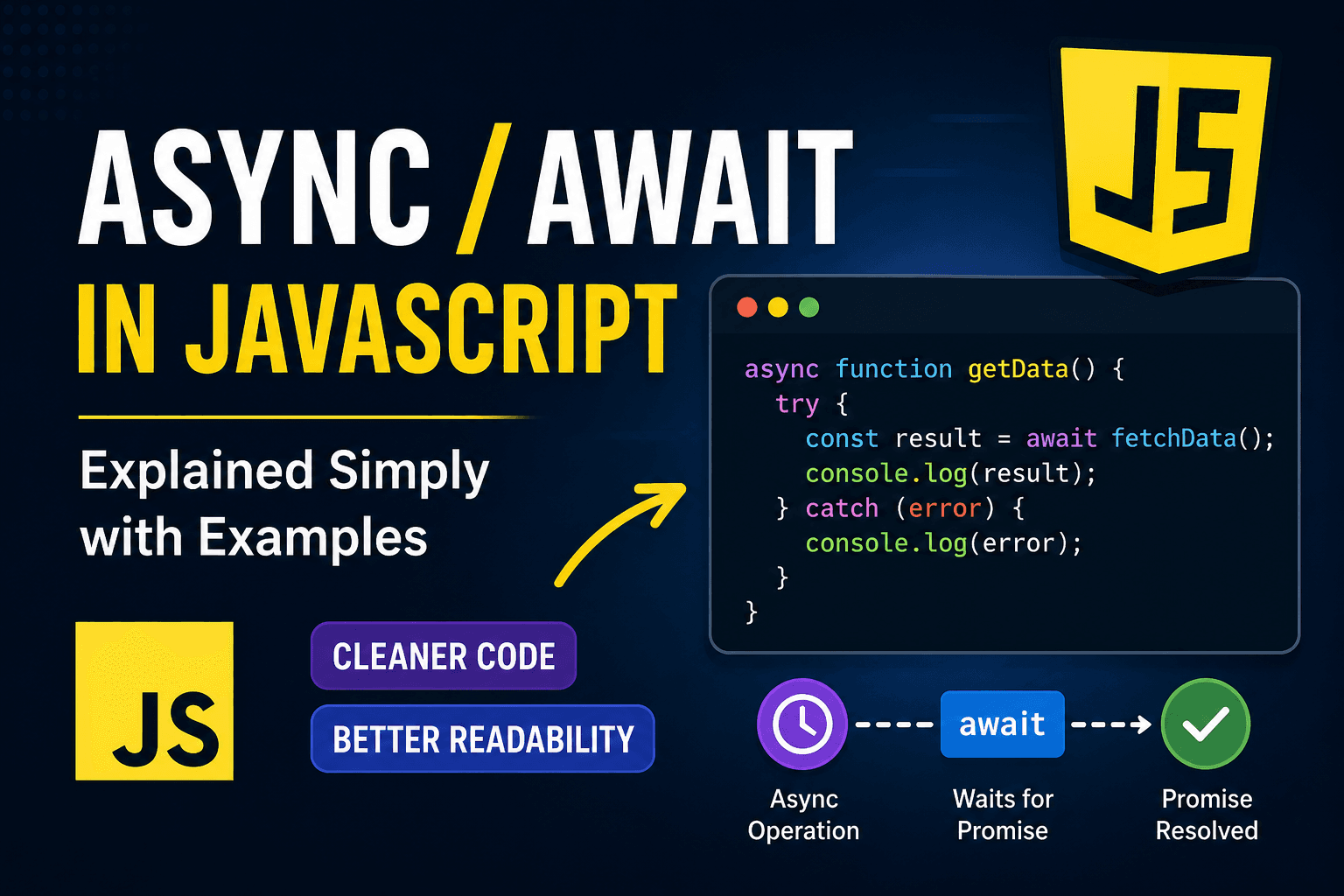
async function getData() {
  const result = await fetchData();
  console.log(result);
}

getData();
We put the async keyword before a function declaration. An async function always returns a promise.
The await keyword can be used inside an async function. Await pauses the execution of that function until the promise is fulfilled. It doesn't halt the entire JavaScript program. Only that specific async function is waiting. The rest of the app is running normally.
One of the biggest advantages of async/await is that it makes async code feel almost like sync code.
Cleaner error handling is another big advantage. Developers normally use .catch() to handle errors in promises. You can use standard try...catch blocks with async/await.
function loginUser() {
  return new Promise((resolve, reject) => {
    const success = false;

    if (success) {
      resolve("Login successful");
    } else {
      reject("Invalid credentials");
    }
  });
}

async function login() {
  try {
    const message = await loginUser();
    console.log(message);
  } catch (error) {
    console.log(error);
  }
}

login();
This style feels much more natural, especially when applications contain multiple asynchronous operations.
Consider a situation where data must be fetched step by step. Using chained promises can become messy very quickly. Async/await keeps the flow simple and readable.
async function processOrder() {
  const user = await getUser();
  const cart = await getCart(user);
  const payment = await makePayment(cart);

  console.log(payment);
}
Code is top to bottom like normal programming logic. This is why many developers are leaning towards async/await in modern JavaScript projects.
Though async/await makes for more readable code, it is still based on promises underneath. Every async function automatically returns a promise, regardless of whether you return a value or not.
Nowadays, async/await is widely used in frontend frameworks, backend applications, APIs, and database operations as it helps developers to write cleaner and more maintainable asynchronous code. Anyone working with modern JavaScript will have to get used to it properly.