Creating Routes and Handling Requests with Express
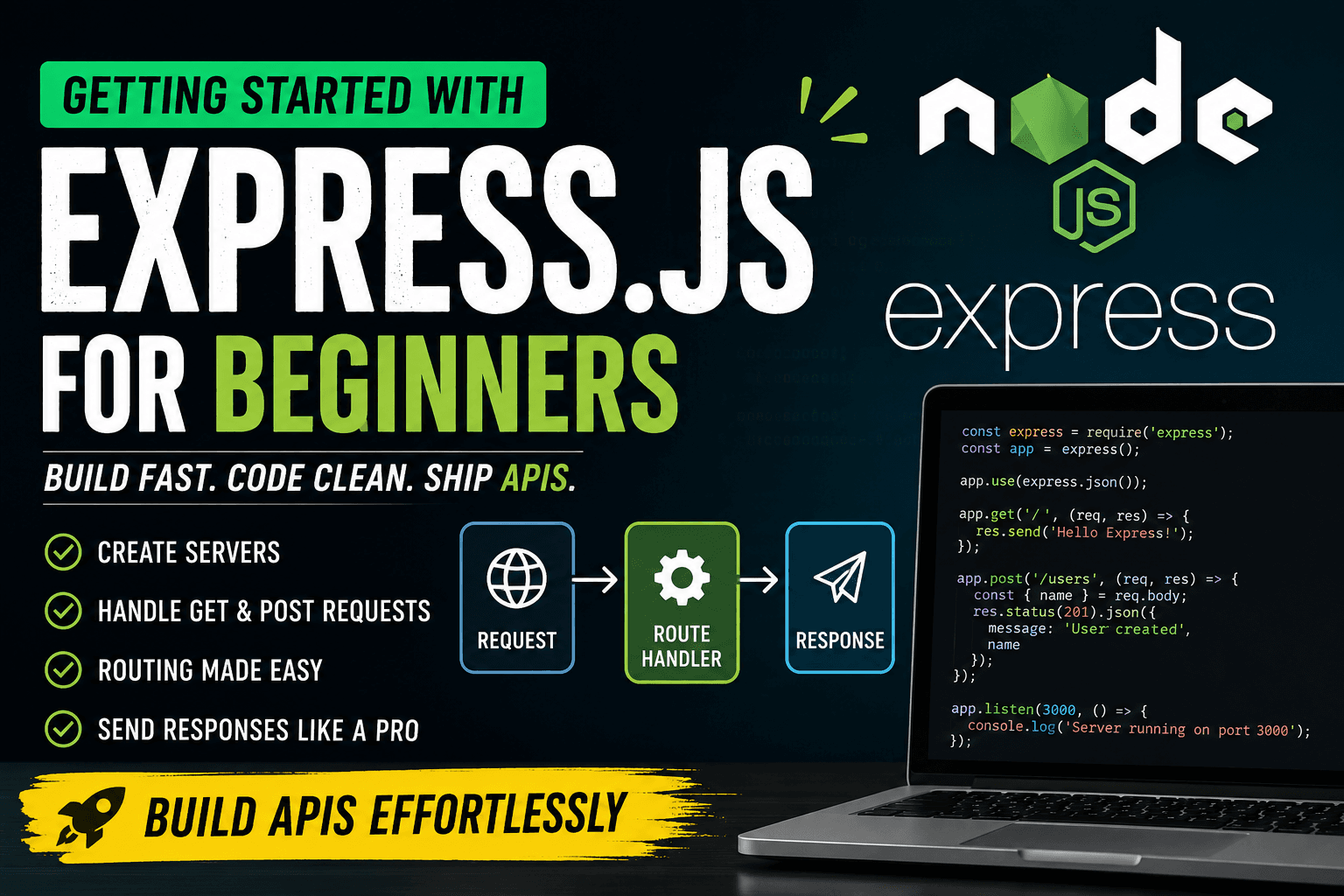
When developers first start working with Node.js, one of the first things they learn is how to create a server using the built-in http module. It works well for understanding the basics, but once applications start growing, managing routes, requests, headers, and responses manually becomes repetitive and difficult to maintain.
This is where Express.js becomes important. Express is a lightweight framework built on top of Node.js that simplifies backend development by providing a cleaner and more organized way to handle servers and APIs.
What is Express.js?
Express.js is a minimal and flexible web framework for Node.js. It provides tools and features that make server-side development easier and faster.
Instead of manually checking request URLs, methods, and headers every time, Express gives developers built-in methods for routing, middleware handling, request parsing, and sending responses.
Without Express, even a simple API can quickly become messy.
A raw Node.js server usually looks like this:
const http = require("http");

const server = http.createServer((req, res) => {
  if (req.method === "GET" && req.url === "/") {
    res.writeHead(200, {
      "Content-Type": "text/plain"
    });

    res.end("Welcome to Node.js Server");
  }
});

server.listen(3000);
Now compare that with Express:
const express = require("express");

const app = express();

app.get("/", (req, res) => {
  res.send("Welcome to Express Server");
});

app.listen(3000);
Both servers do the same thing, but the Express version is much shorter, cleaner, and easier to understand.
This simplicity becomes extremely valuable when applications contain many routes and features.
Why Express Simplifies Node.js Development
Express removes a lot of repetitive work that developers normally do with the native http module.
Some major advantages include:
Cleaner routing system
Easy request handling
Middleware support
Better code organization
Faster API development
Easy integration with databases and frontend applications
Express also makes code more readable for teams working on large projects.
Instead of manually checking every request condition, developers can define dedicated route handlers like this:
app.get("/products", handlerFunction);

app.post("/products", createProduct);
This structure keeps applications modular and scalable.
Creating Your First Express Server
Before building a server, install Express inside your project.
npm init -y
npm install express
Now create a file named server.js.
const express = require("express");

const app = express();

const PORT = 5000;

app.listen(PORT, () => {
  console.log(`Server is running on port ${PORT}`);
});
Run the server using:
node server.js
Your Express server is now active.
Understanding Express Routing
Routing means deciding what response should be sent when a user visits a particular URL.
Express handles routing using methods like:
app.get()app.post()app.put()app.delete()
Here’s a simple visualization of how Express processes requests:
Client Request
       │
       ▼
Express Route Handler
       │
       ▼
Response Sent Back
Each route contains:
HTTP method
URL pat
Callback function
Example:
app.get("/about", (req, res) => {
  res.send("About Page");
});
When someone visits /about, Express executes the callback function and sends the response.
Handling GET Requests in Express
GET requests are mainly used for fetching or reading data from the server.
Example of a basic GET route:
app.get("/students", (req, res) => {
  const students = [
    { id: 1, name: "Rahul" },
    { id: 2, name: "Aman" }
  ];

  res.json(students);
});
Here:
reqcontains request informationresis used to send the response
Route Parameters
Express allows dynamic routes using parameters.
app.get("/students/:id", (req, res) => {
  const studentId = req.params.id;

  res.send(`Student ID is ${studentId}`);
});
If the URL becomes:
/students/10
The output will be:
Student ID is 10
Query Parameters
Query strings are useful for filtering or pagination.
app.get("/search", (req, res) => {
  const keyword = req.query.keyword;

  res.send(`Searching for ${keyword}`);
});
Request:
/search?keyword=laptop
Response:
Searching for laptop
Handling POST Requests in Express
POST requests are used to send data from the client to the server.
To handle JSON request bodies, Express provides middleware.
app.use(express.json());
Now create a POST route:
app.post("/register", (req, res) => {

  const { username, email } = req.body;

  if (!username || !email) {
    return res.status(400).json({
      message: "All fields are required"
    });
  }

  const newUser = {
    id: Date.now(),
    username,
    email
  };

  res.status(201).json(newUser);
});
Example request body:
{
  "username": "Pallab",
  "email": "pallab@gmail.com"
}
The server receives the data using req.body and sends a JSON response.
Sending Responses in Express
Express provides multiple methods for sending responses.
Sending Plain Text
res.send("Server Working");
Sending JSON Data
res.json({
  success: true
});
Sending Status Codes
res.status(404).send("Page Not Found");
Combining Status and JSON
res.status(200).json({
  message: "Login Successful"
});
These response methods make API development much simpler compared to raw Node.js.
Building a Small Express API
Now let’s combine everything into one mini project.
const express = require("express");

const app = express();

app.use(express.json());

const books = [
  { id: 1, title: "Atomic Habits" }
];

app.get("/books", (req, res) => {
  res.json(books);
});

app.get("/books/:id", (req, res) => {

  const book = books.find(
    b => b.id === parseInt(req.params.id)
  );

  if (!book) {
    return res.status(404).json({
      message: "Book not found"
    });
  }

  res.json(book);
});

app.post("/books", (req, res) => {

  const { title } = req.body;

  if (!title) {
    return res.status(400).json({
      message: "Title is required"
    });
  }

  const newBook = {
    id: books.length + 1,
    title
  };

  books.push(newBook);

  res.status(201).json(newBook);
});

app.listen(3000, () => {
  console.log("Server started");
});
This small application demonstrates:
GET requests
POST requests
Route parameters
JSON responses
Status codes
Middleware usage
These are the same concepts used in real-world backend applications.
Final Thoughts
Express.js has become one of the most popular backend frameworks because it simplifies server development without hiding the core concepts of Node.js.
Instead of spending time handling low-level server logic manually, developers can focus on building features, APIs, authentication systems, and databases more efficiently.
For beginners, Express provides a clean introduction to backend development. For experienced developers, it offers flexibility and speed for building scalable applications.