JavaScript Operators Explained — Arithmetic, Logical, Compare
When we write JavaScript programs, we often need to perform operations on values. Sometimes we add numbers, sometimes we compare values, and sometimes we check conditions to decide what should happen next in the program.
This is where operators come into play.
In simple terms, operators are symbols that perform operations on values or variables.
For example:
let sum = 5 + 3;
Here + is an operator that adds two numbers.
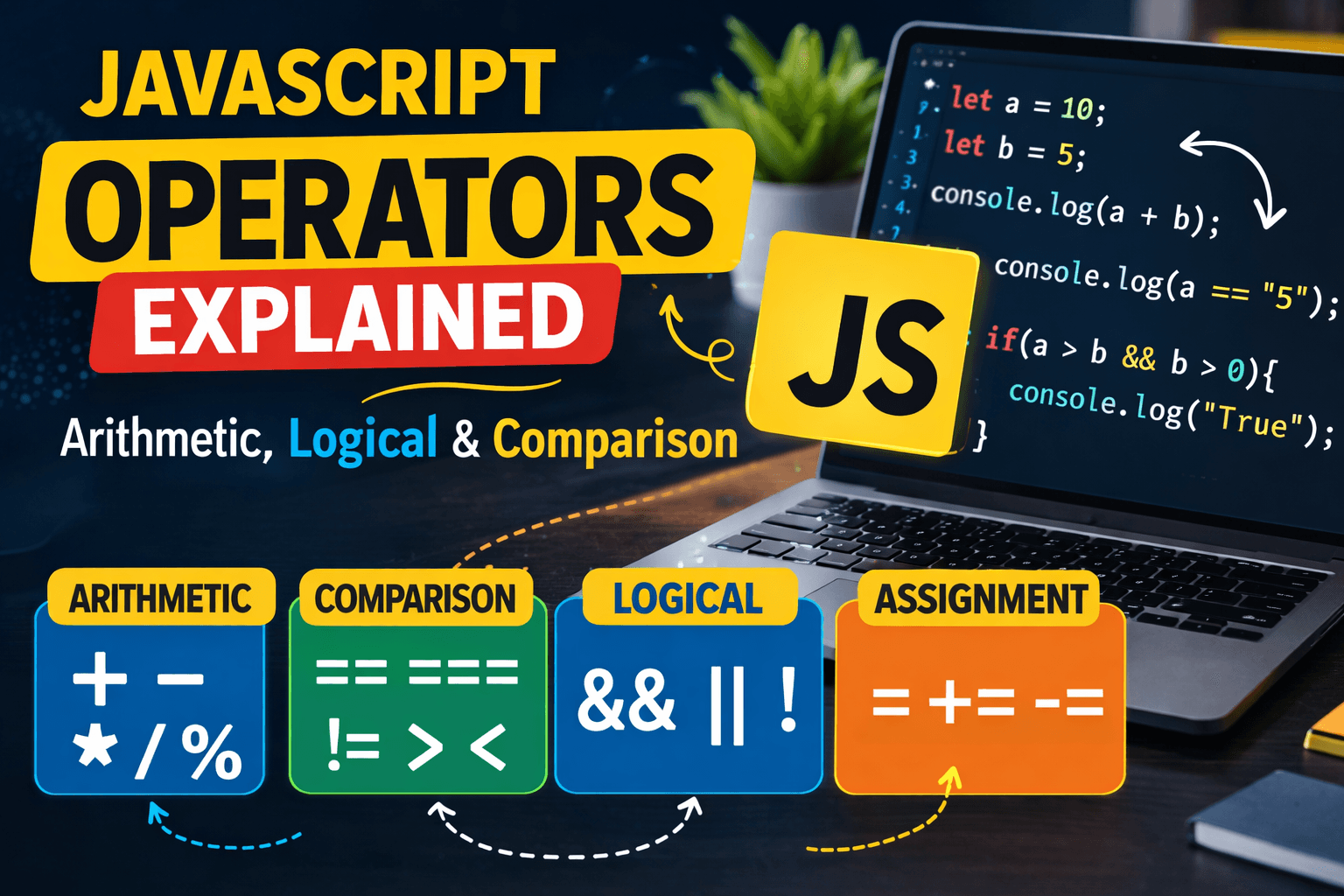
JavaScript provides many types of operators, but in this article we will focus on the most commonly used ones:
Arithmetic Operators
Comparison Operators
Logical Operators
Assignment Operators
Let’s understand each one step by step.
Arithmetic Operators
Arithmetic operators are used to perform mathematical calculations.
These are the most basic operators you will use while working with numbers.
| Operator | Meaning |
|---|---|
+ |
Addition |
- |
Subtraction |
* |
Multiplication |
/ |
Division |
% |
Modulus (Remainder) |
Example
let a = 10;
let b = 5;

console.log(a + b); // 15
console.log(a - b); // 5
console.log(a * b); // 50
console.log(a / b); // 2
console.log(a % b); // 0
Understanding Modulus %
The modulus operator returns the remainder of a division.
Example:
console.log(10 % 3); // 1
Because:
10 ÷ 3 = 3 remainder 1
This operator is very useful when checking if a number is even or odd.
Example:
let number = 8;

if (number % 2 === 0) {
  console.log("Even number");
} else {
  console.log("Odd number");
}
Comparison Operators
Comparison operators are used to compare two values.
They always return a boolean value:
truefalse
Here are some common comparison operators:
| Operator | Meaning |
|---|---|
== |
Equal (loose comparison) |
=== |
Strict equal |
!= |
Not equal |
> |
Greater than |
< |
Less than |
Example
let a = 10;
let b = 5;

console.log(a > b);  // true
console.log(a < b);  // false
console.log(a == b); // false
The Difference Between == and ===
This is one of the most important things beginners should understand.
== (Loose Equality)
== compares values after converting their types if necessary.
Example:
console.log(5 == "5");
Output:
true
Because JavaScript converts "5" (string) into a number before comparison.
=== (Strict Equality)
=== compares both value and type.
Example:
console.log(5 === "5");
Output:
false
Because:
5 is a number
"5" is a string
They are not the same type.
Quick Comparison Table
| Expression | Result |
|---|---|
5 == "5" |
true |
5 === "5" |
false |
10 > 7 |
true |
3 < 1 |
false |
In most modern JavaScript code, developers prefer === because it avoids unexpected type conversions.
Logical Operators
Logical operators are used when we want to combine multiple conditions.
They are commonly used inside if statements.
| Operator | Meaning |
|---|---|
&& |
AND |
| ` | |
! |
NOT |
Logical AND &&
The AND operator returns true only if both conditions are true.
Example:
let age = 20;
let hasID = true;

if (age >= 18 && hasID) {
  console.log("You can enter");
}
Output:
You can enter
Both conditions are true.
Logical OR ||
The OR operator returns true if at least one condition is true.
Example:
let isAdmin = false;
let isEditor = true;

if (isAdmin || isEditor) {
  console.log("Access granted");
}
Output:
Access granted
Only one condition needs to be true.
Logical NOT !
The NOT operator reverses a boolean value.
Example:
let isLoggedIn = false;

console.log(!isLoggedIn);
Output:
true
Because NOT flips the value.
Logical Operator Truth Table
| A | B | A && B | A || B | | --- | --- | --- | --- | | true | true | true | true | | true | false | false | true | | false | true | false | true | | false | false | false | false |
This table helps understand how logical operators behave with different combinations.
Assignment Operators
Assignment operators are used to assign values to variables.
The most basic one is:
=
Example:
let number = 10;
Here we assign the value 10 to the variable number.
Other Assignment Operators
JavaScript also provides shortcut assignment operators.
| Operator | Example | Meaning |
|---|---|---|
+= |
x += 5 |
x = x + 5 |
-= |
x -= 3 |
x = x - 3 |
Example
let score = 10;

score += 5;
console.log(score);
Output:
15
Because:
score = score + 5
Another example:
let points = 20;

points -= 4;

console.log(points);
Output:
16
Small Practice Assignment
To understand operators better, try this small exercise.
1. Perform Arithmetic Operations
let a = 12;
let b = 4;

console.log(a + b);
console.log(a - b);
console.log(a * b);
console.log(a / b);
2. Compare Values
console.log(5 == "5");
console.log(5 === "5");
Observe the difference carefully.
3. Logical Condition Example
let age = 22;
let hasTicket = true;

if (age >= 18 && hasTicket) {
  console.log("You can watch the movie");
}
Final Thoughts
Operators are one of the core building blocks of JavaScript.
They allow us to:
Perform calculations
Compare values
Combine conditions
Assign values to variables
Once you understand operators, writing logic in JavaScript becomes much easier.