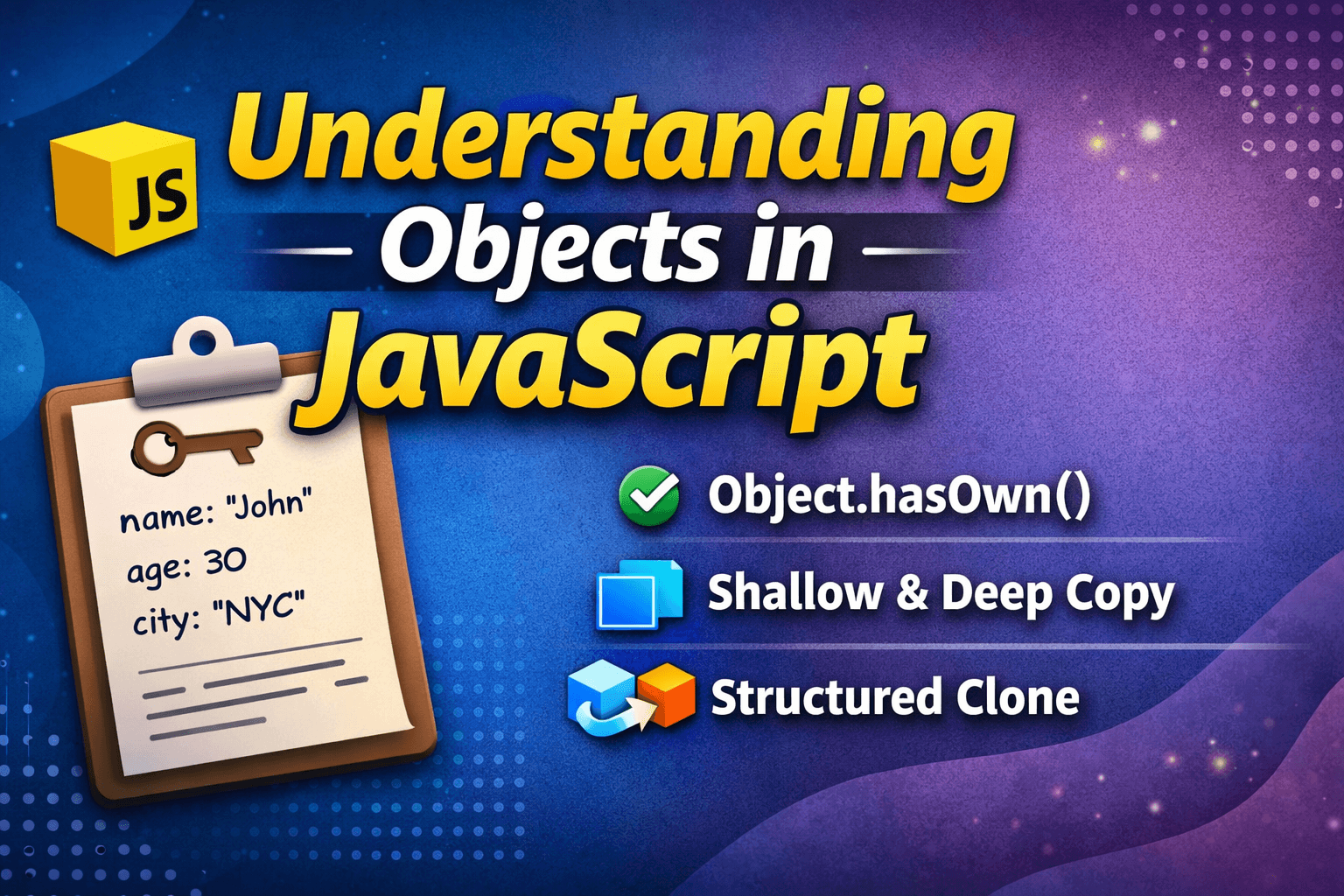
Understanding Objects in JavaScript
Overview
In this article, we are trying to understand the Object in JavaScript, how it help use to store real word entity into program.
Why do we need Objects?
To understand the need of Object, let's take an example. Assume there is a librarian and they want to store some books, so in the traditional method try to do it
let book1Title = "Harry Potter";
let book1Author = "J.K. Rowling";
let book1Pages = 309;

let book2Title = "The Hobbit";
let book2Author = "J.R.R. Tolkien";
let book2Pages = 310;
As you can see, to store 2 books, we need to declare 6 variables. Now you may ask what the problem is.
The key problem here is the creation of multiple variables and verbose code. To fix that, we can use objects in JavaScript.
What is Object
An object is a way to store values with their corresponding keys. That value may be anything; it may be any data type. But the key is only a string or a symbol. Object is non-primitive, and it is stored and copied by reference.
Syntax
let obj_name={
    key1: "value",
    key2: 167,
    key3:[1,2,3,4],
    key4:{
        another_key:"value45"
    }
}
console.log(obj_name)
console.log(obj_name.key1) // It return of value of key1
console.log(obj_name["key1"] // Another method to see the value of key1
console.log(obj_name.key4.another_key) // Nested values
Note: If you want more knowledge about data types, read this article.
let book1 = {
  title: "Harry Potter",
  author: "J.K. Rowling",
  pages: 309
};
let book2 = {
  title: "The Hobbit",
  author: "J.R.R. Tolkien",
  pages: 310
};

As we can see, we just need 2 variables to store 2 books, and objects are easy to understand and less verbose.
Now, let's take a few examples to understand how to insert and read values from an object.
Example 1
// Example 1: Adding a new key-value pair
let student = {
    name: "John",
    age: 20
};
// Add new key
student.grade = "A"; // or: student["grade"] = "A";

// Example 2: Modifying a value
student.age = 21; // change age from 20 to 21

// Example 3: Deleting a key
delete student.grade; // removes "grade" property from student
Example 2
// Example 4: Input value from user (prompt - works in browser environment)
let car = {};
car.brand = "Toyota";
car.model = "Corolla";
car.year = 2022;

// Example 5: Access and modify using bracket notation
car["color"] = "Red";
car["year"] = 2023;

// Example 6: Deleting key with bracket notation
delete car["color"];

// Example 7: Looping through object keys and showing values
for (let key in car) {
    console.log(key + ": " + car[key]);
}

// Example 8: Check if a key exists
if ("brand" in car) {
    console.log("Brand exists in car object");
}

// Example 9: Get all keys and values
let keys = Object.keys(student); // ["name", "age"]
let values = Object.values(student); // ["John", 21]
Example 3: For in Loop
We can run a for in loop for an object which run for all
// Example: Using for...in loop with a fresh object
let book = {
    title: "Atomic Habits",
    author: "James Clear",
    year: 2018,
    price: 350
};

for (let key in book) {
    console.log(key + ": " + book[key]);
}
// Output
// title: Atomic Habits
// author: James Clear
// year: 2018
// price: 350
Some Important Methods of Object
1. HashOwnProperty / Object.hasOwn()
When working with objects in JavaScript, sometimes we need to check whether a property actually belongs to that object or if it is coming from the prototype chain.
To understand this, let’s look at a simple example.
const user = {
  name: "Pallab",
};

console.log(user.name); // Pallab
Now, suppose we try to access something like this:
console.log(user.toString());
Even though toString It is not inside our object; JavaScript still finds it.
That is because toString it comes from Object.prototype.
So if we want to check whether a property really belongs to the object itself, we can use hasOwnProperty.
const user = {
  name: "Pallab",
};

console.log(user.hasOwnProperty("name")); // true
console.log(user.hasOwnProperty("toString")); // false
This method returns true only if the property exists directly inside the object.
However, modern JavaScript introduced a safer alternative:
Object.hasOwn(user, "name");
Why is this safer?
Because sometimes an object may override hasOwnProperty.
Example:
const obj = {
  hasOwnProperty: () => false,
  name: "JS",
};

console.log(obj.hasOwnProperty("name")); // false wrong
To avoid this issue, we use:
Object.hasOwn(obj, "name"); // true
So the key idea is:
Object.hasOwn() safely checks if a property exists directly on an object.
2. Structured Clone
In JavaScript, sometimes we need to create a completely independent copy of complex data, including nested objects, arrays, maps, sets, etc.
For this purpose, modern JavaScript provides a built-in function called structured cloning.
const original = {
  name: "Pallab",
  skills: ["JS", "Node"],
};

const copy = structuredClone(original);

copy.skills.push("React");

console.log(original.skills); // ["JS", "Node"]
console.log(copy.skills); // ["JS", "Node", "React"]
Here, both objects are completely independent.
Structured clone creates a deep clone automatically.
Difference Between Object and Array in JavaScript
Many beginners think that Array and Object are completely different data types.
But in JavaScript, the reality is slightly different.
An Array is actually a special implementation of an Object.
That means internally, arrays behave like objects, but they have additional behavior designed for ordered data.
An array is internally an Object
Consider the following example:
let arr = [10, 20, 30];
console.log(typeof arr);
// Output
// Object
As we can see, JavaScript returns "object" instead of "array".
This happens because arrays are implemented using objects internally.
JavaScript internally stores it similarly to this structure:
{
  0: 10,
  1: 20,
  2: 30,
  length: 3
}

But JavaScript also gives some extra methods like map(), push(), pop(), etc., with arrays. So we can clearly see that an array is an advanced implementation of an array.
If you want to know whether a data is an array or an object instead of using the typeof keyword, you should use the Array.isArray(PassYourArrayHere) for the final answer.
Conclusion
We can use objects to organize related data using key-value pairs, making the code look cleaner and easier to manage compared to using multiple variables to hold related data. To effectively use objects in JavaScript programming, we need to understand object operations such as Object.hasOwn(), as well as concepts such as shallow copy, deep copy, and structured cloning.