Async Code in Node.js: Callbacks and Promises
Overview
We all know that JavaScript is a single-threaded language, and due to that, when a time-consuming task like file read/write or making a web request can block the whole thread, we can encounter the convoy effect.
To avoid problems, we have an event loop that smartly handles this task by creating a thread pool. Which help us to do multiple tasks simultaneously with only a single thread. And this behaviour is called Asynchronous behaviour. To do this in JavaScript, we need to write async code.
Why async/await Was Introduced
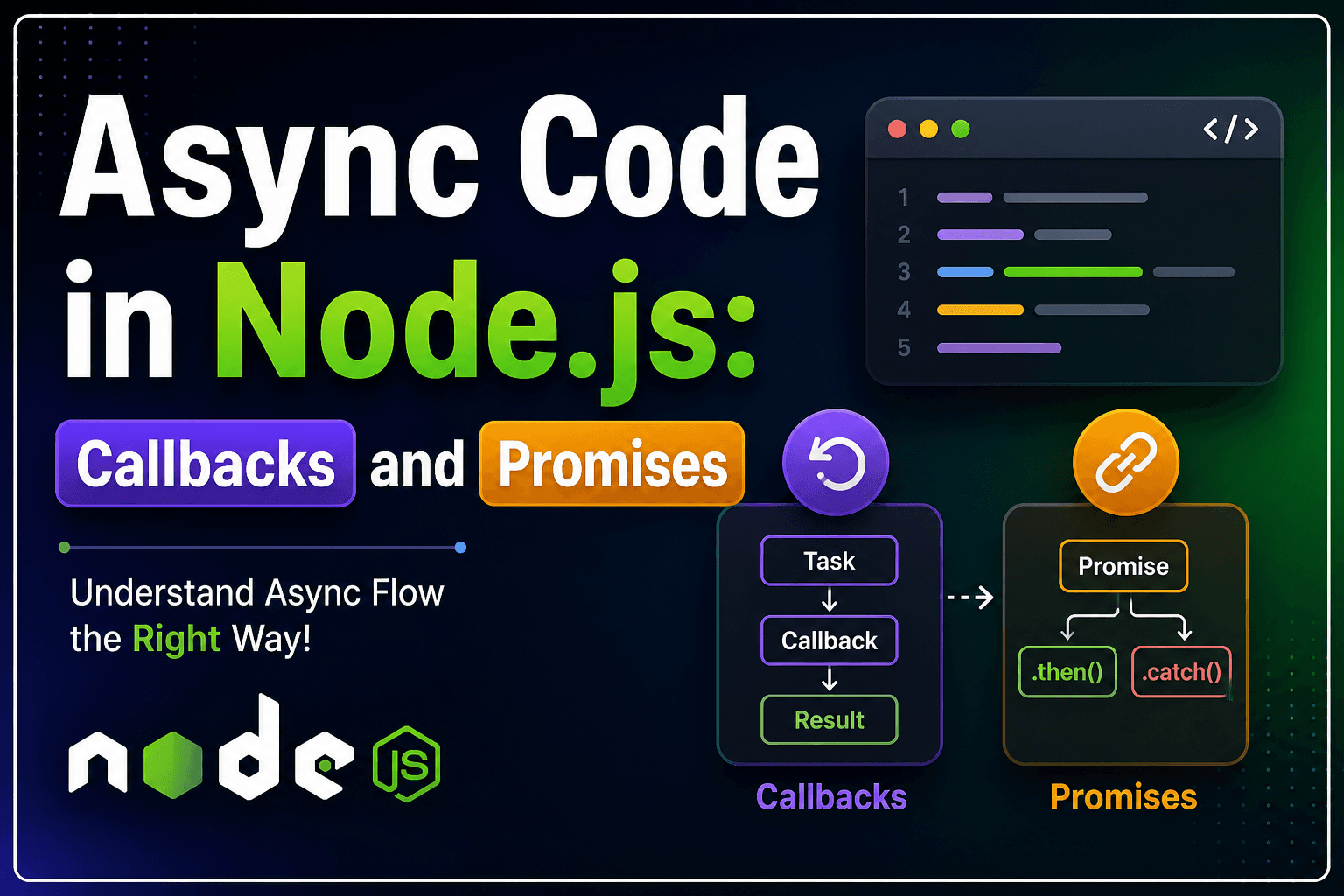
Before the async/wait was introduced in JavaScript, developers mainly relied on Promises to handle asynchronous operations. Promises improved things compared to callbacks; still, they had some drawbacks:
Problems with Promises:
Chained .then() call reduces the code readability.
In the case of nested logic, the code becomes a message
Handling errors becomes messy
Debuging become hard
Solution: async/await
Async/await was introduced (ES2017) as syntactic sugar over promises. It doesn’t replace promises—it makes them easier to use and read.
This allows developers to write asynchronous code like synchronus manner.
How Async Functions Work
An async A function is simply a function that always returns a promise.
Basic Syntax
async function greet() {
  return "Hello";
}
Even though we return a string, JavaScript automatically wraps it inside a promise:
greet().then(console.log); // "Hello"
Equivalent:
function greet() {
  return Promise.resolve("Hello");
}
Key Point
Async Keyword make sure that the function always returns a promise.
You can only use await inside an async function
It simplifies promise handling.
Await Keyword Concept
The await keyword is what makes async/await powerful.
It pauses the execution of the async function until the promise is resolved or rejected.
Example
async function getData() {
  const response = await fetch("https://api.example.com/data");
  const data = await response.json();
  console.log(data);
}
What’s happening?
fetch()returns a promiseawaitpauses execution until the promise resolvesOnce resolved, it gives the actual value
Execution continues
Important Note
await does NOT block the entire JavaScript thread
It only pauses execution inside that async function, while the event loop continues running other tasks.
Error Handling with Async Code
One of the biggest advantages of async/await is clean error handling using try...catch.
Using Promises
fetchData()
  .then((data) => processData(data))
  .catch((err) => console.error(err));
Using Async/Await
async function run() {
  try {
    const data = await fetchData();
    const result = await processData(data);
    console.log(result);
  } catch (error) {
    console.error(error);
  }
}
Observation
With async/await, the code readability and scalability both improved.
We can now centralize error handling.
It becomes easy to debug the code
Key Differences
| Feature | Promises | Async/Await |
|---|---|---|
| Readability | Medium | High |
| Error handling | .catch() |
try...catch |
| Debugging | Harder | Easier |
| Structure | Chain-based | Sequential style |
When NOT to Use Await
Async/await is great, but not always necessary.
Parallel Execution Issue
await task1();
await task2();
This runs tasks sequentially, not in parallel.
Better approach:
await Promise.all([task1(), task2()]);
So use async/await wisely depending on your needs.
Final Thoughts
Async/await is one of the best improvements in modern JavaScript. It makes asynchronous code:
Cleaner
More readable
Easier to debug
Closer to synchronous thinking
But remember:
It’s still based on promises
It doesn’t make code faster automatically
Understanding promises is still essential