Error Handling in JavaScript: Try, Catch, Finally
Introduction
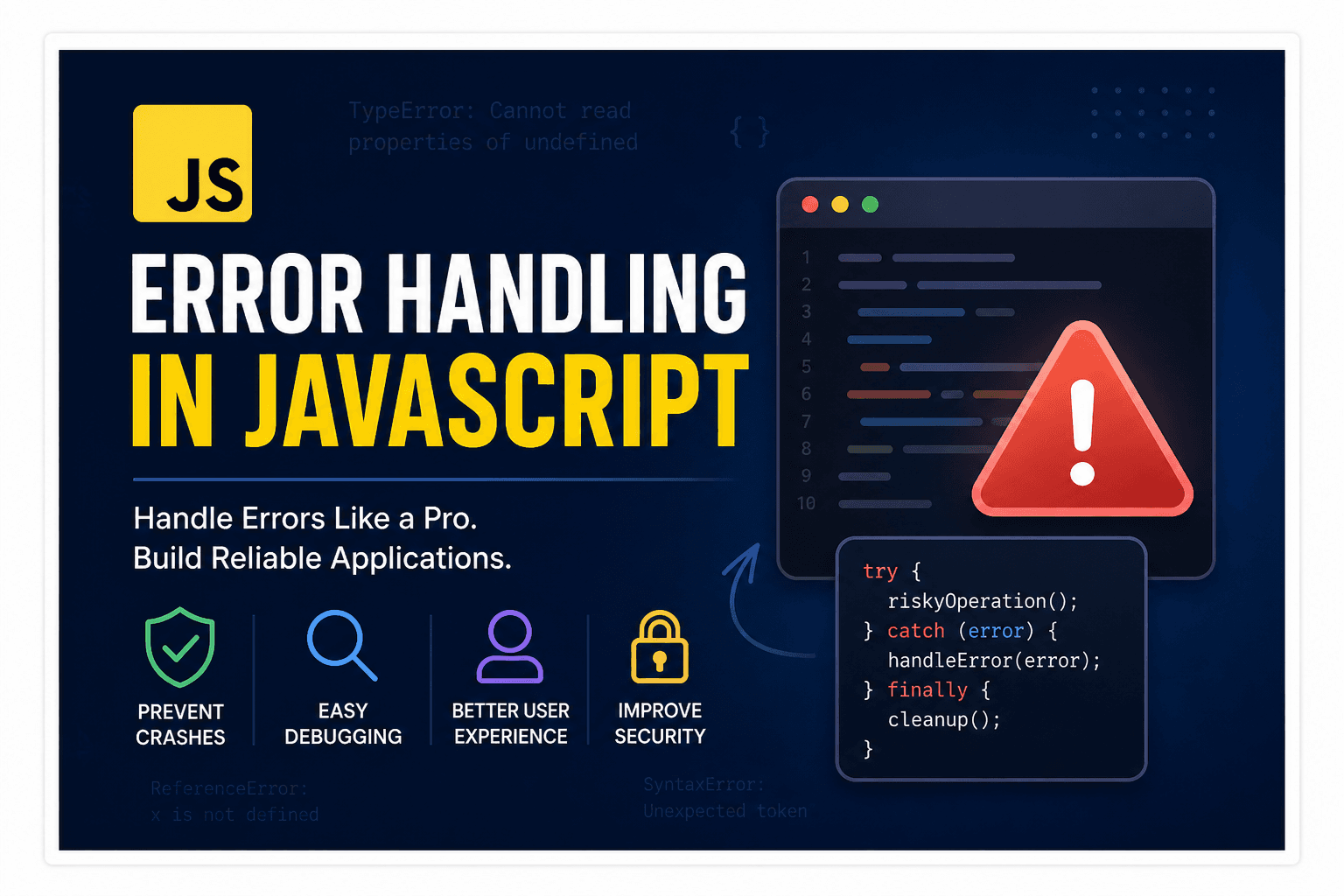
During software building, or we can say the coding process, one of the most important and skill full part is error-handling. No matter how well an application is written, errors can still happen during execution. A user may enter invalid data, an API request may fail, a file may not exist, or unexpected values may break the logic of the application.
If errors are not handled properly, applications can crash, freeze, or behave unpredictably. Good error handling helps developers prevent these problems and makes applications more stable and reliable.
JavaScript provides built-in mechanisms such as try, catch, finally, and throw to manage runtime errors properly.
What Are Errors in JavaScript?
An error occurs in JavaScript when the engine can't execute the code successfully. When JavaScript finds an issue that it cannot handle automatically, it throws an error object & if the error is not handled properly, it stops execution.
Example:
console.log(userName);
Output:
ReferenceError: userName is not defined
In this example, JavaScript throws a ReferenceError because the variable does not exist.
Types of Errors in JavaScript
JavaScript includes multiple built-in error types. Each type represents a different category of problem.
ReferenceError
A ReferenceError occurs when code tries to access a variable that has not been declared.
Example:
console.log(totalAmount);
Output:
ReferenceError: totalAmount is not defined
This error usually happens due to a misspelled variable name, a variable outside scope, use variable before declaration.
TypeError
A TypeError happens when an operation is performed on an incompatible value.
Example:
const number = 100;

number.toUpperCase();
Output:
TypeError: number.toUpperCase is not a function
Here, toUpperCase() works only on strings, not numbers.
Common causes of TypeError include:
Calling methods on incorrect data types
Accessing properties of
undefinedUsing array methods on non-arrays
SyntaxError
A SyntaxError occurs when the structure of the code is invalid.
Example:
if (true {
  console.log("Hello");
}
Output:
SyntaxError: Unexpected token '{'
JavaScript cannot execute code with invalid syntax because it fails during parsing.
Common reasons include:
Missing brackets
Missing commas
Incorrect operators
Invalid JavaScript structure
RangeError
A RangeError occurs when a value goes outside the allowed range.
Example:
const items = new Array(-2);
Output:
RangeError: Invalid array length
This error usually happens when:
Array lengths become invalid
Recursive functions exceed limits
Numeric values go outside accepted boundaries
URIError
A URIError occurs when URI-related functions receive invalid input.
Example:
decodeURIComponent("%");
Output:
URIError: URI malformed
This type of error is less common but can happen while working with URLs or encoded data.
Why Error Handling Is Important
Error handling is important because real-world applications constantly deal with unpredictable situations.
Without proper handling:
Applications may crash
Users may lose data
Systems may become unstable
Debugging becomes difficult
Improves User Experience
Users should never see broken screens or confusing crashes.
Instead of crashing completely, applications should display meaningful messages.
Example:
try {
  const response = JSON.parse(invalidData);
} catch (error) {
  console.log("Unable to process data");
}
This keeps the application running even when invalid data appears.
Makes Debugging Easier
Errors provide details about:
What went wrong
Where the issue occurred
Which line caused the problem
Example:
TypeError: Cannot read properties of undefined
This information helps developers fix issues faster.
Prevents Invalid Data
Sometimes invalid values can spread through an application silently.
Example:
const result = Number("abc");

console.log(result);
Output:
NaN
If this value continues into calculations or databases, it may create larger problems later.
Error handling allows developers to stop invalid operations early.
Improves Application Stability
Applications that handle failures gracefully are more reliable.
Even if one operation fails, the rest of the system can continue working normally.
This is especially important in:
Banking systems
Payment gateways
Authentication systems
APIs
Database applications
The try...catch Statement
JavaScript provides the try...catch statement to handle runtime errors.
The try block contains code that may fail.
The catch block handles errors if they occur.
Syntax:
try {
  // risky code
} catch (error) {
  // error handling
}
Example of try...catch
try {
  const user = JSON.parse("{name:'Pallab'}");

  console.log(user);
} catch (error) {
  console.log("Invalid JSON format");
}
Output:
Invalid JSON format
Understanding the Error Object
The catch block receives an error object.
This object contains useful information about the error.
Example:
try {
  const data = JSON.parse("invalid json");
} catch (error) {
  console.log(error.name);
  console.log(error.message);
}
Output:
SyntaxError
Unexpected token i in JSON at position 0
The finally Block
The finally block always executes whether an error occurs or not.
It is mainly used for cleanup operations.
Syntax:
try {
  // code
} catch (error) {
  // handle error
} finally {
  // always runs
}
Example of finally
try {
  console.log("Connecting to database");
} catch (error) {
  console.log("Database error");
} finally {
  console.log("Closing database connection");
}
Output:
Connecting to database
Closing database connection
Throwing Custom Errors
JavaScript also allows developers to create custom errors using the throw keyword.
This is useful when application-specific rules need validation.
Syntax:
throw new Error("Message");
Example of Custom Error
function registerUser(age) {
  if (age < 18) {
    throw new Error("User must be at least 18 years old");
  }

  return "Registration successful";
}

try {
  console.log(registerUser(15));
} catch (error) {
  console.log(error.message);
}
Output:
User must be at least 18 years old
Here, JavaScript itself sees no technical problem, but the application logic requires age validation.
Creating Custom Error Classes
Developers can also create their own error classes.
Example:
class ValidationError extends Error {
  constructor(message) {
    super(message);
    this.name = "ValidationError";
  }
}

throw new ValidationError("Invalid email address");
Custom error classes help organize large applications more effectively.
Nested try...catch
JavaScript allows nested error handling.
Example:
try {
  try {
    JSON.parse("invalid");
  } catch (error) {
    console.log("Inner catch block");
  }
} catch (error) {
  console.log("Outer catch block");
}
This is useful in complex applications where different layers handle different errors.
Error Handling in Async Code
Errors can also happen in asynchronous operations.
For async functions, try...catch it works together with async/await.
Example:
async function fetchData() {
  try {
    const response = await fetch("https://api.example.com/data");

    const data = await response.json();

    console.log(data);
  } catch (error) {
    console.log("Failed to fetch data");
  }
}
This helps handle API failures safely.
Best Practices for Error Handling
Handle Errors Properly
Never ignore errors completely.
Bad practice:
catch (error) {

}
Always log or handle errors meaningfully.
Use Specific Error Messages
Good error messages make debugging easier.
Bad:
throw new Error("Something went wrong");
Better:
throw new Error("Password must contain at least 8 characters");
Avoid Exposing Sensitive Information
Do not show internal server details directly to users.
Bad:
Database connection failed at port 3306
Better:
Unable to process request right now
Use finally for Cleanup
Always clean resources properly.
Example:
finally {
  connection.close();
}
Conclusion
Error handling is a core part of JavaScript development. Applications cannot rely on everything working all the time perfectly. Failures are normal in software systems, and handling them properly is what makes applications reliable.