How Node.js Handles Multiple Requests with a Single Thread
Overview
At first glance, Node.js seems like it should fail under pressure. It runs JavaScript on a single thread, and common intuition suggests that a single-threaded system cannot handle multiple users efficiently. Yet Node.js is widely used to build systems that handle thousands of concurrent requests.
The reason lies in how Node.js is designed. It does not rely on multiple threads executing your application code in parallel. Instead, it uses an event-driven, non-blocking architecture where one main thread coordinates work while delegating heavy tasks elsewhere. This creates high concurrency without the overhead of traditional multi-threaded systems.
To truly understand Node.js, you need to understand three core ideas: the single-threaded model, the event loop, and delegation to background workers.
The Single-Threaded Nature of Node.js
Node.js executes JavaScript on a single main thread. This means only one piece of JavaScript runs at a time. There is no automatic multi-threading for your application logic.
If everything were written in a blocking way, this would be a serious limitation. For example:
const fs = require("fs");

const data = fs.readFileSync("file.txt", "utf-8");
console.log(data);
Here, the program stops completely until the file is read. During that time, no other request can be processed. This is blocking behavior, and if used heavily, it destroys performance.
However, Node.js is not meant to be used this way. Its real strength comes from non-blocking, asynchronous execution.
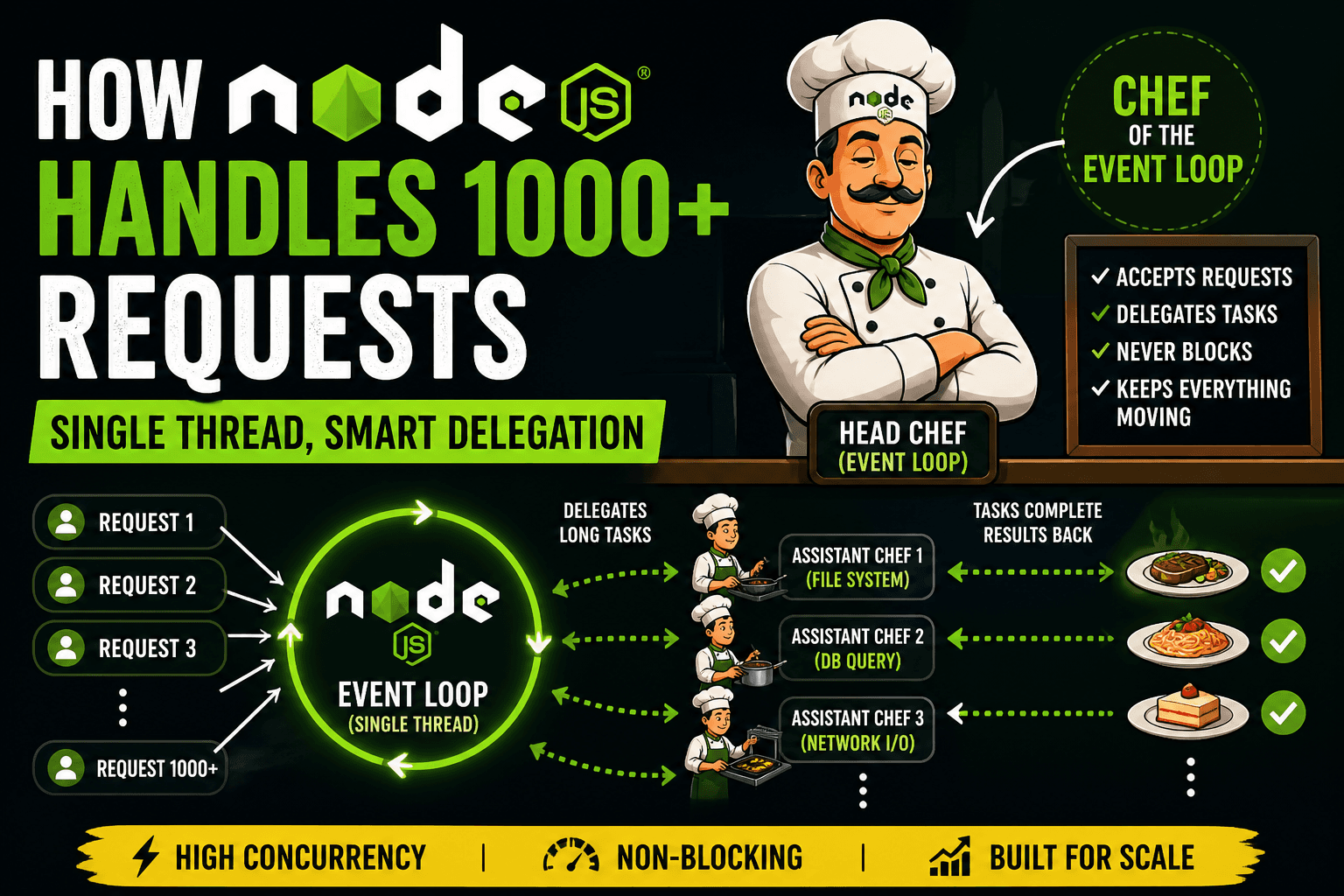
Introducing the Head Chef Analogy
To understand how Node.js handles concurrency, imagine a kitchen.
There is one head chef
There are multiple assistant chefs
Orders keep coming in from customers
The head chef represents the main thread and event loop.
The assistant chefs represent background workers and system-level operations.
Now, here is the key rule:
The head chef does not cook slow dishes. The head chef coordinates.
How the Kitchen Handles Orders
Let’s walk through how this kitchen operates.
When an order arrives:
The head chef takes the order.
If the task is quick, the head chef handles it immediately.
If the task takes time (like baking or slow cooking), the head chef assigns it to an assistant chef.
The head chef immediately moves on to the next order.
The head chef never stands idle waiting for a dish to finish. That is the critical difference. When an assistant chef finishes a dish, they notify the head chef. The head chef then serves it. This continuous coordination is what allows one chef to manage many orders at once.
The Event Loop: The Head Chef’s Workflow
The event loop is the mechanism that keeps everything running.
It continuously does the following:
Checks if there are tasks ready to execute
Executes them one by one
Picks up completed tasks from background workers
Continues the cycle
In code, this looks like:
const fs = require("fs");

fs.readFile("file.txt", "utf-8", (err, data) => {
  console.log("File read complete");
});

console.log("This runs first");
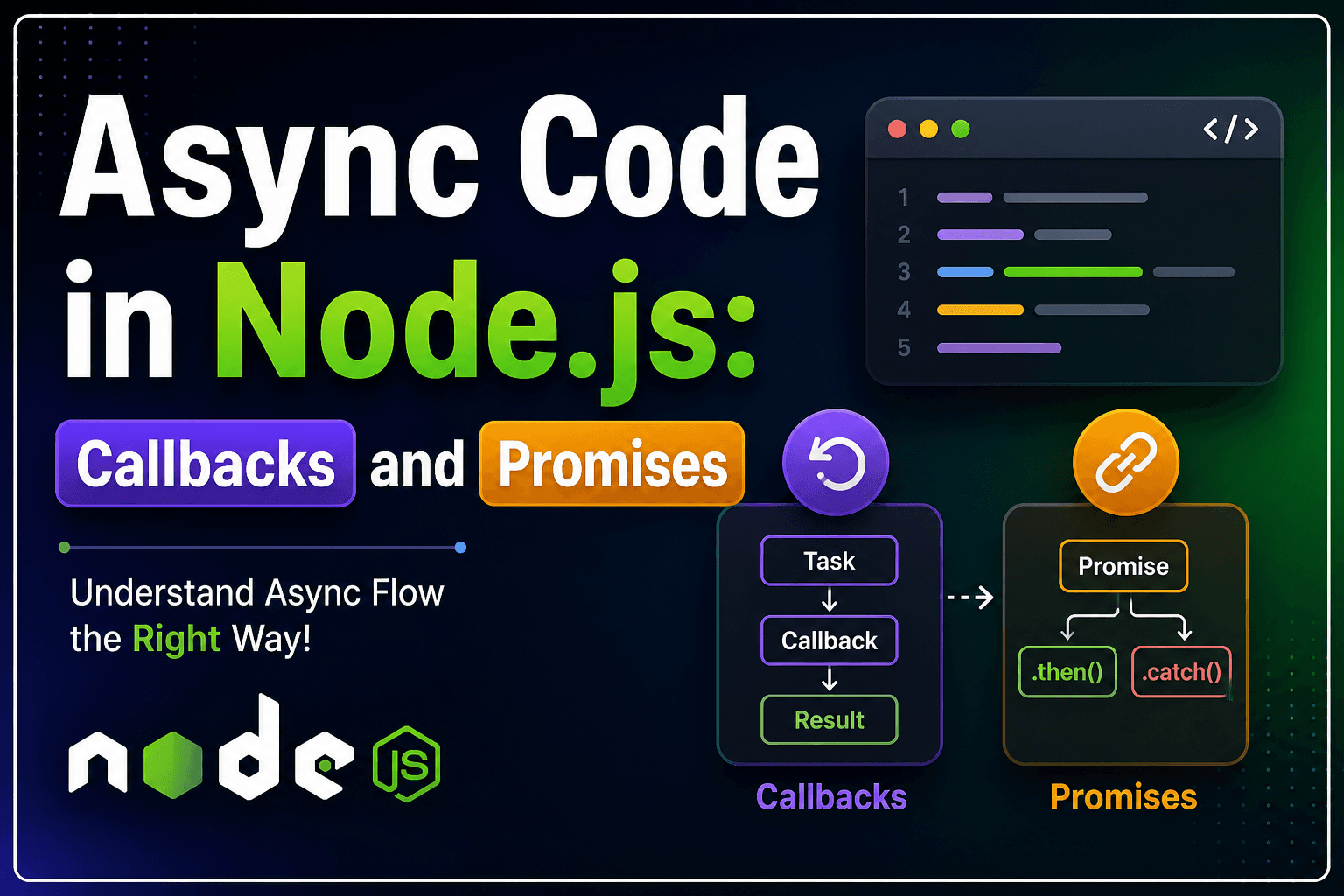
Even though the file read is initiated first, the last line executes immediately. That is because Node.js delegates the file reading and continues execution.
The callback is executed later when the operation completes.
Delegating Work to Background Workers
Node.js does not perform heavy operations like file reading or network requests on the main thread. Instead, it delegates them to background workers managed by its internal system.
These workers handle tasks such as:
File system operations
Network requests
Database queries
Cryptographic functions
Once a task is delegated:
Node.js registers a callback
Moves on to handle other tasks
Receives the result later
Executes the callback via the event loop
This delegation ensures that the main thread is never blocked.
Concurrency vs Parallelism
It is important to distinguish between these two concepts.
Concurrency means multiple tasks are in progress at the same time.
Parallelism means multiple tasks are executing at the exact same time.
Node.js is primarily concurrent.
It does not execute multiple JavaScript tasks simultaneously on multiple cores by default. Instead, it efficiently manages many tasks without waiting.
Parallelism can be added using worker threads or clustering, but the core model focuses on concurrency.
Why Node.js Scales So Well
The design of Node.js leads to strong scalability.
First, it avoids creating a new thread for each request. Traditional servers often allocate one thread per client, which consumes memory and adds overhead. Node.js uses a single thread, so it remains lightweight.
Second, it minimizes context switching. Switching between threads is expensive. Node.js avoids this by staying on one thread.
Third, it is ideal for I/O-heavy workloads. Most applications spend time waiting for databases, files, or network responses. Node.js handles this waiting efficiently by not blocking.
Fourth, it simplifies development. Since there is only one main thread, developers avoid many common issues like race conditions and thread synchronization.
Real-World Example
Consider an API server that fetches user data.
Blocking approach:
const user = db.getUserSync(id);
res.send(user);
Each request blocks the server until the database responds.
Non-blocking Node.js approach:
db.getUser(id, (user) => {
  res.send(user);
});
Now, the server can handle many requests at once because it does not wait for each database call to complete.
Final Thoughts
Node.js does not scale because it does more work at the same time. It scales because it does not waste time waiting.
The single-threaded model is not a weakness. It is a design choice that works extremely well when combined with asynchronous execution and delegation.