Control Flow in JavaScript: If, Else, and Switch Explained
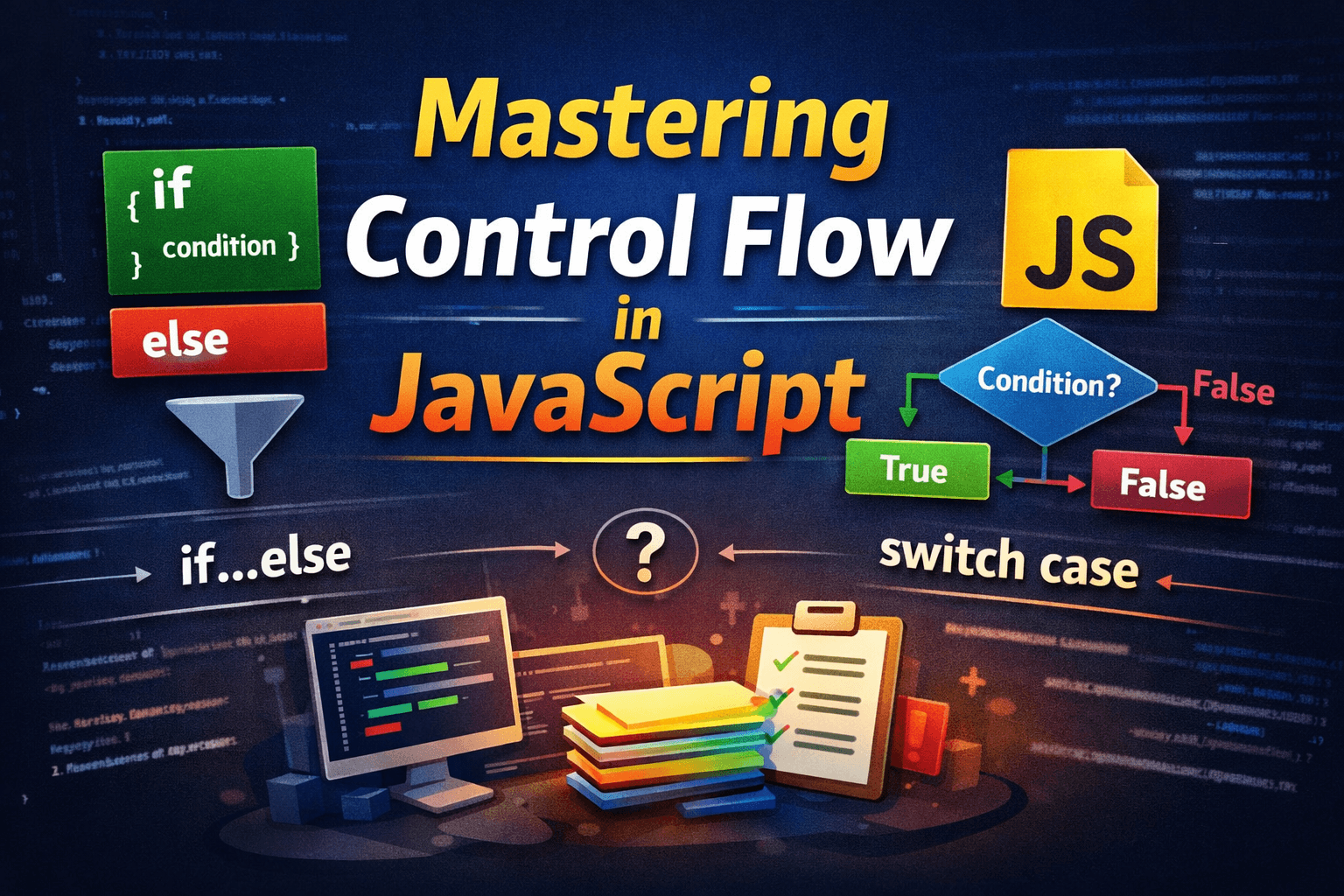
In this article, we will learn about Control flow in JavaScript. It determines how your code makes logical decisions.
Control Flow
In JavaScript, the primary control flow statements are:
ifif...elseif...else if...elseswitch
All of this control flow block mostly operates on conditions, except the switch block. In JavaScript condition may be truthy and falsy. Many beginners don't know the range of falsy and truthy values.
In JavaScript, there are only 6 falsy values, and everything else is truthy.
false(the boolean primitive)0,-0, and0n(zero, negative zero, and BigInt zero)"",'', (an empty string)nullundefinedNaN(Not-a-Number)
Now, let's understand all the Control Flow blocks one by one
If Block
When we try to run some specific code block if a particular condition is true, in that case we have an if-block to achieve this. Assume it like the gateman of an office, if you have a valid id card, then only you are allowed to enter the premises.
Note: this condition should be evaluated into boolean.
if(condition){
    // Your code that you want to run on particular condition
}
Example: Checking Age
let age = 20;

if (age >= 18) {
  console.log("You are eligible to vote.");
// This code only runs if age is greater or equal to 18
}
If-else block
An if-else block is like an extra edition in an if block. In this block, if part works as expected, it means if you wrap some code or logic inside an if block that runs when the condition is true, but if that condition is false, then the code or logic wrapped around the else block executes.
Syntax
if(condition){
    console.log("Condition is true")// this runs if the condition is true
}
else{
    console.log("Condition is false") // this runs if the condition is false
}
Example 1
If we take an example, then think like an HR receives your resume, and wants to sort it based on your CGPA for the next round of interview, if your CGPA from the previous degree is greater than 8.5, then you are allowed to continue the interview process, else not.
function HR_analyse(candidateName,CGPA){
    if(CGPA >=8.5){
        console.log(`${candidateName} is allowed for interview round`)
    }
    else {
        console.log(`${candidateName} is not allowed for interview round`)
    }
}
let candidateName="Akash"
let cgpa=8.5
HR_analyse(candidateName,cgpa)
// Output
// Akash is allowed for interview round
Example 2
Let's you have a marks and you want to tell the student pass or fail.
let marks = 40;

if (marks >= 50) {
  console.log("Pass");
} else {
  console.log("Fail");
}
// here if the marks is greater equal to 50 then it gives pass else fail
Let’s understand the code flow briefly:
The value of
marksis 40.The program checks whether
marks >= 50.Since 40 is less than 50, the condition is false.
The
ifblock is skipped.Control moves to the
elseblock."Fail"is printed.
If-else-If ladder
In some cases, only an if-else block is not enough to solve the decision-making process, like if we need to take a chain of decisions in those cases, we can use if-else-if a ladder.
Syntax
if (condition1){
    // if condition1 is true it's executes this part of code
}
else if (condition2){
    // if condition 1 if false and condition 2 is true then this part executes
}
else if( condition3){
    // if all avobe condition is false and this condition3 is true this code will execute.
}
else{
    // if none of the avobe condition is true then this code will execute.
}
Example 1
For example, imagine someone gives you a task to build a system that calculates a student’s grade based on their marks. The system should follow specific rules:
If the student scores more than 90, they receive Grade A.
If the marks are more than 70 but less than or equal to 90, they receive Grade B.
If the marks are more than 50 but less than or equal to 70, they receive Grade C.
If the marks are more than 40 but less than or equal to 50, the student simply passes.
If the marks are 40 or below, the student fails.
function getGrade(marks) {
    // Validate input range
    if (marks < 0 || marks > 100) {
        return "Invalid Marks";
    }

    if (marks > 90) {
        return "Grade A";
    } else if (marks > 70) {
        return "Grade B";
    } else if (marks > 50) {
        return "Grade C";
    } else if (marks > 40) {
        return "Pass";
    } else {
        return "Fail";
    }
}

// Examples
console.log(getGrade(75));   // Grade B
console.log(getGrade(101));  // Invalid Marks
console.log(getGrade(-5));   // Invalid Marks
As you can see, above we write a function getGrade which take marks parameter, and internally it checks which grade should be returned based on if else if ladder condition.
Let's try to understand the flow of the above code
First, the if block checks whether the mark is valid or not.
Then it checks the if-else-if ladder and returns the appropriate value based on which condition is true.
Note: In an if-else-if ladder, many beginner made mistake here to put conditions, because if we change the order of conditions, it may return unexpected results. For example
function getGrade(marks) {
    // Validate input range
    if (marks < 0 || marks > 100) {
        return "Invalid Marks";
    }

    if (marks > 70) {
        return "Grade B"; // here I swap the condition of 90 and 70
    } else if (marks > 90) {
        return "Grade A";
    } else if (marks > 50) {
        return "Grade C";
    } else if (marks > 40) {
        return "Pass";
    } else {
        return "Fail";
    }
}

// Examples
console.log(getGrade(90));   // Grade B
console.log(getGrade(101));  // Invalid Marks
console.log(getGrade(-5));   // Invalid Marks
Let’s understand step by step:
Suppose
marks = 95The program first checks:
marks > 70which always evaluatedTrueSince this condition is true, it immediately returns
"Grade B"The next condition
marks > 90is never checked

Switch Case
Switch cases are also another control flow block to make logical but simpler use cases, where you know the condition you received is predefined. Instead of an if-else block received condition may be anything; in a switch, it should be predefined.
Syntax
switch(expression) {
    case value1:
        // Code to execute if expression === value1
        break;

    case value2:
        // Code to execute if expression === value2
        break;

    default:
        // Code to execute if none of the cases match
}
Important Points
switchcompares values using strict comparison (===).breakis very important. without break, it executes all the conditions one by one. If there is a case suppose the case 1 matches, and you do something in that and break, then the control flow of the code exited form the switch block.In the switch block, we have a default, which is like an else block in if else block. If none of the avobe condition is true default will run in that case. Default is optional but recommended.
Example 1: Day of the Week
let day = 3;

switch (day) {
    case 1:
        console.log("Monday");
        break;
    case 2:
        console.log("Tuesday");
        break;
    case 3:
        console.log("Wednesday");
        break;
    case 4:
        console.log("Thursday");
        break;
    case 5:
        console.log("Friday");
        break;
    default:
        console.log("Invalid day");
}
Flow Explanation
The value of
dayis 3.The switch compares it with each case.
When it matches
case 3, it prints"Wednesday".breakstops further execution.
Example 2: Simple Calculator
function calculator(num1, num2, operator) {
    switch (operator) {
        case "+":
            return num1 + num2;
        case "-":
            return num1 - num2;
        case "*":
            return num1 * num2;
        case "/":
            return num1 / num2;
        default:
            return "Invalid Operator";
    }
}

console.log(calculator(10, 5, "+")); // 15
// Here, switch works perfectly because we are matching exact operator values.
Here, the switch works because we are basically checking the exact operation we want to perform, so here we can observe that operations are predefined and well known, so using a switch case block makes sense here.

When to Use switch vs if-else
Use if-else when:
You are checking ranges (
marks > 90)You are checking multiple conditions
Conditions are complex (logical operators like
&&,||)Comparisons are not simple equality
Use switch when:
You are comparing one variable to multiple exact values
Conditions are simple equality checks
You want cleaner and more readable code
Conclusion
These control flows are more useful when you are trying to build robust software. For example, if we have some wrote some logic to check whether the user is authenticated or not.
function isAuth(user) {
    // Defensive check: if user is null, undefined, or falsy
    if (!user) {
        console.log("No user provided");
        return;
    }

    // Check if email exists
    if (!user?.email) {
        throw new Error("Email does not exist");
    }

    console.log("Authenticated");
}
If you want to learn this in a better way, I suggest trying these questions by yourself to gain more control over those control flow blocks.
A few questions to try
1. ATM Withdrawal Checker
Build a function that checks whether a user can withdraw money from their bank account.
If the withdrawal amount is greater than the balance, show "Insufficient Balance".
If the amount is less than or equal to the balance, show "Transaction Successful".
If the amount is negative or zero, return "Invalid Amount".
2. Temperature Advisor
Create a program that suggests clothing based on temperature.
If the temperature is above 30°C, "Wear light clothes".
If the temperature is between 20°C and 30°C, "Weather is pleasant".
If the temperature is below 20°C, "Wear warm clothes".
3. Login Attempt System
Build a system that checks login attempts.
If attempts are less than 3, "Login allowed".
If attempts equal 3, "Last attempt remaining".
If attempts are more than 3, "Account locked".
4. Online Shopping Discount
Create a function that applies a discount based on order amount.
If the order amount is greater than $200, then 20% discount.
If greater than $100, then 10% discount.
Otherwise, no discount.
If you try to solve this manually, then definitely, if control over the control flow is much stronger.