Understanding Variables and Data Types in JavaScript
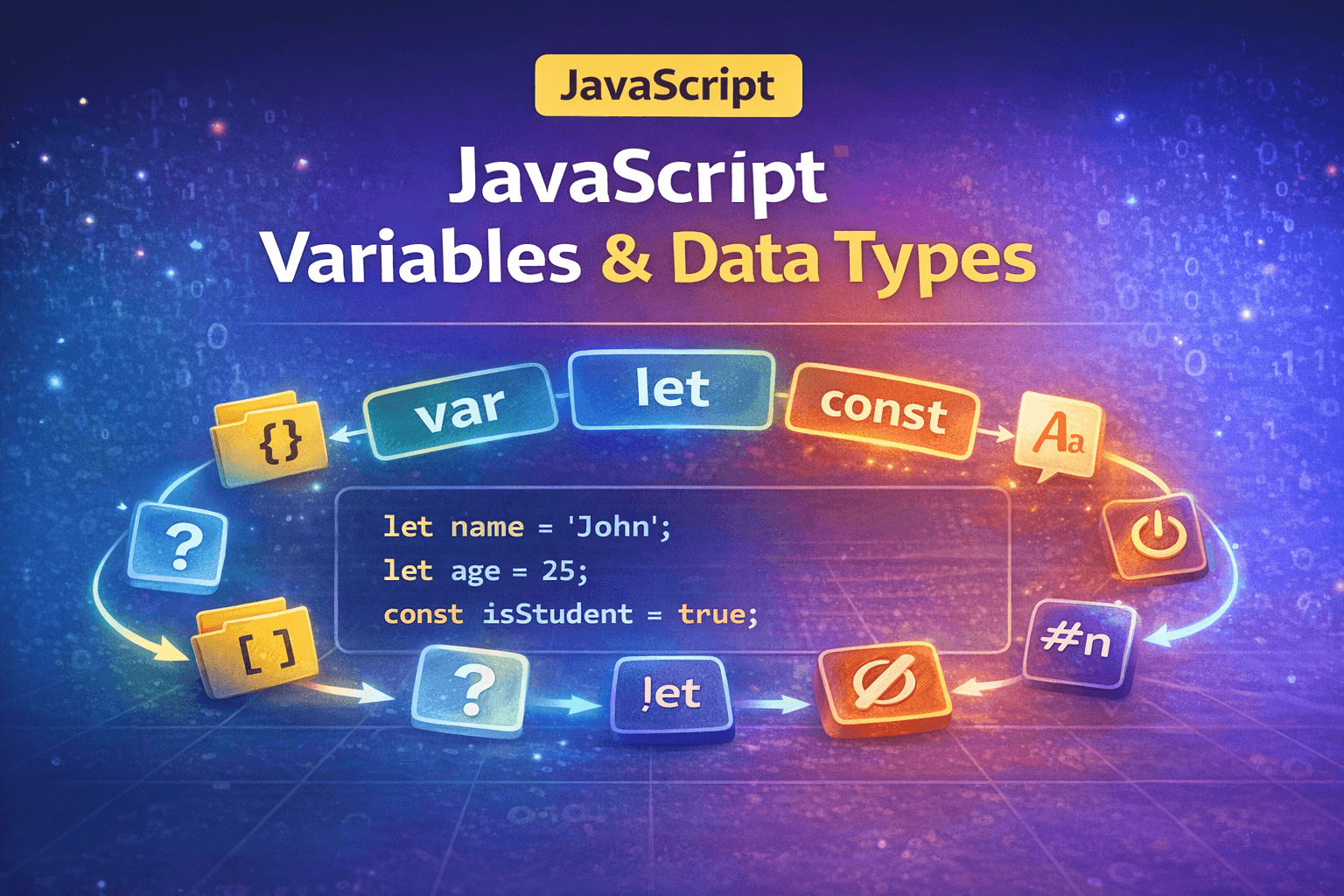
Overview
JavaScript was initially a lightweight scripting language used to provide interactivity to web pages. However, nowadays JavaScript is much more modern and has a great ecosystem. Because of this, we can easily build highly scalable systems using it.
For any programming language, we usually follow a simple process: first, we provide some data, then the program processes that data, and finally, the program shows the output to the user.
If we cannot understand data and data types properly, we cannot write business logic effectively. So let's discuss data types and how JavaScript behaves with data.
Data Types
In real life, many things are happening around us, and our software needs to interact with the real world. Understanding real-life data and representing that data inside a computer is a challenge. For that reason, we need to understand data types.
In JavaScript, we mainly have two primary categories of data types:
Primitive
Non-Primitive
Each of these categories contains several specific data types.
Primitive Data Types
Primitive data types are basic types used to represent simple values from real life.
String
A string is a combination of multiple characters, such as the name of a person. Strings are usually written inside single quotes (' ') or double quotes (" ").
Example:
"John"
'Hello World'
Number
The number type stores numeric values, such as the age of a person.
Example:
25
3.14
Boolean
A Boolean is used when we need to represent only two possible outcomes: true or false.
Example:
true
false
BigInt
BigInt is used to store very large integers that cannot be safely represented by the normal number type. In JavaScript, we denote a BigInt by adding n at the end of the number.
Example:
124n
Symbol
A symbol is a unique and immutable value often used to create unique identifiers for object properties.
Undefined
Undefined represents a value that has been declared but has not been assigned yet.
You can think of it like discovering an unknown animal in a zoo. At first, you do not know anything about it, so it is undefined from your perspective. Once someone explains what it is, it is no longer undefined for you.
Null
Null represents the intentional absence of any value. It is used when we explicitly want to indicate that something has no value.
Non-Primitive Data Types
Non-primitive data types are more complex and can store collections of values or more structured data.
Objects
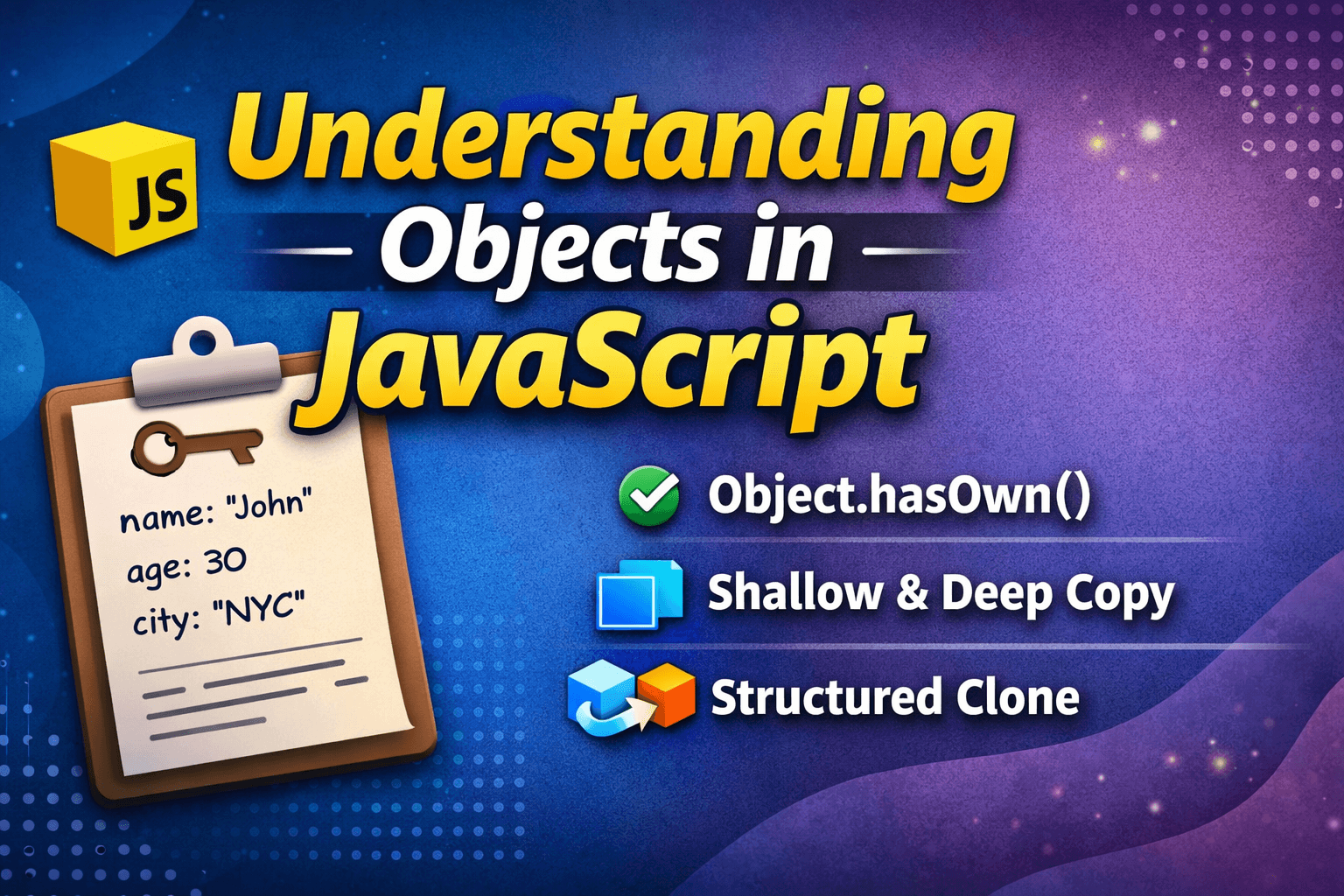
An object in JavaScript is used to store multiple related values in a single variable.
These values are stored in key–value pairs.
You can think of an object like a real-life entity. For example, a person has many properties such as name, age, and city. Instead of creating separate variables, we store everything inside one object.
{
  name: "Rahul",
  age: 25,
  city: "Kolkata"
}
Array
An array is used to store multiple values in a single container. We can use it to store the marks of 100 students for a class.
Unlike objects, arrays store values using index numbers instead of keys.
In an array index mostly starts from 0.
marks [34,45,65,74]
roll   1  2  3  4   (This is denoted as index)
Now we are aware of data that can represent more than 70% usecases. Now it's time to understand the connection between variables in JavaScript.
Variables
Variables are like a container where we can store the data that we discussed now. So it's like in a household there is a container storing sugar, rice, variable is saminar like those containers. Now let's see how JavaScript actually handles them.
syntax
//keyword variable_name assignment opeartor value
let variable_name="Value";
let variable2 = 2323;
We have 3 keywords in JavaScript to declare a variable
Var (Mostly avoided these days by devs)
Let
Const (Used to declare a constant)
Now, let's see some JavaScript code snippets of various data types
Number in JavaScript
let decimalNumber=69
let hexadecimalNumber=0xff; // 0x____ it automatically converted into hex number
let binaryNumber=0b101; // 0b____ it automatically converted into binary
let exponetialNumber=1e5; // 1*10^5

console.log(decimalNumber, hexadecimalNumber, binaryNumber, exponetialNumber);

// Output
// 69 255 5 100000
Strings in JavaScript
let singleQuoteString = 'Hello World';
let doubleQuoteString = "JavaScript";
let templateString = `Learning JS`;
let escapedString = "He said \"Hello\""; // using escape character

// variables for interpolation
let name = "Pallab";
let age = 23;

let interpolatedString = `My name is \({name} and I am \){age} years old`;
// here you can put variable and expression between string
console.log(
  singleQuoteString,
  doubleQuoteString,
  templateString,
  escapedString,
  interpolatedString
);

// Output
// Hello World JavaScript Learning JS He said "Hello" My name is Pallab and I am 23 years old
Boolean in JavaScript
let hasAccess=false; // This Stores whether a user has access or not
let isLoggedIn=true; // This stores wheather a user is loggedin or not

// Based on that you can write bussiness logic
if(isLoggedIn && hasAccess){
    console.log("Access Granted");
}
else{
    console.log("Access Granted");
}
BigInt in JavaScript
To store bigint data in JavaScript, add an extra n at the end. Now JavaScript treats that as a bigint.
let bigIntValue=125n;
console.log(typeof bigIntValue);
// Output is bigint
Symbols in JavaScript
Undefined in JavaScript
Undefined means that at that point variable is storing nothing. So in that case, we don't know the type of that variable.
let value;
console.log(value, typeof value);
// Output undefined 'undefined'

let value2;
console.log(value2, typeof value2);
// Output undefined 'undefined'

value2=5;
console.log(value2, typeof value2);
// Output 5 'number'
Null in JavaScript
let value=null;
console.log(value, typeof null);
// Output null 'object'
In this example, as you can see, we have a variable named value holding null, which means nothing. During console log, we got null, and typeof that variable should be null, but it gives object because it is a JavaScript production bag, it is there to provide backward compatibility.
Array in JavaScript
An array in JavaScript is used to store multiple values inside a single variable.
Array Literal (Most Common)
let numbers = [1, 2, 3, 4, 5];
let fruits = ["Apple", "Banana", "Mango"];

console.log(numbers);
console.log(fruits);
Using the Array Constructor
JavaScript also provides a built-in Array constructor that can be used to create arrays.
let numbers = new Array(1, 2, 3, 4, 5);
console.log(numbers);
Object in JavaScript
An object is used to store the real-world entity.
Using Object Literal
let person = {
  name: "Rahul",
  age: 25,
  city: "Kolkata"
};

console.log(person);
Using the Object Constructor
let person = new Object();

person.name = "Rahul";
person.age = 25;
person.city = "Kolkata";

console.log(person);
Using Object.create()
let personPrototype = {
  greet() {
    console.log("Hello!");
  }
};

let person = Object.create(personPrototype);

person.name = "Rahul";
person.age = 25;

console.log(person.name);
person.greet();
Using Constructor Functions
function Person(name, age, city) {
  this.name = name;
  this.age = age;
  this.city = city;
}

let person1 = new Person("Rahul", 25, "Kolkata");
let person2 = new Person("Amit", 28, "Delhi");

console.log(person1);
console.log(person2);
Using ES6 Classes
class Person {
  constructor(name, age, city) {
    this.name = name;
    this.age = age;
    this.city = city;
  }
}

let person1 = new Person("Rahul", 25, "Kolkata");
console.log(person1);
Now we know how to create a variable that can store data of various data types.
Now we have different keywords like var, let, and const. Now you may ask when to use which keyword.
Difference between Var, Let, and Const
To understand the difference between this 3 keyword, we have to understand the hoisting first.
Basic Idea of Hoisting
In JavaScript, Hosting is the concept where the JavaScript interpreter moves the function declaration, variables, classes, or imports to the top of their scope before executing the code.
To understand this, let's take a few examples
Example 1:
console.log(variable1); // Line 1
var variable1="holding a string"; // Line 2
console.log(variable1); // Line 3

// Instead of throwing a error the output looks like this
// undefined
// holding a string
As you can see here, instead of throwing errors in line 1, it says undefined because variable1 The value is still not defined, but on line 2, the value is defined. it's holding a string, so when we use that in line 3, we get our expected output.
Example 2:
console.log(value1)
Now, in this example, you can clearly see that there is no variable named value1, so it throws an error value1 is not defined.
Function Declaration Hoisting Example
sayHello(); // Works

function sayHello() {
  console.log("Hello!");
}

// Output
// Hello!
This happens because function declarations are fully hoisted to the top of their scope during the creation phase of execution.
Note that function expression are not hoisted
sayHi(); // Error

const sayHi = function () {
  console.log("Hi!");
};

// Output Error
// sayHi is not defined
Now we are ready to understand the difference between Var, Let & Const. Let's take a few examples
Example 1
When we use var
console.log(a); // undefined

var a = 10;

console.log(a); // 10
Output
undefined
10
Here, the variable a is hoisted to the top of the scope, but only the declaration is hoisted, not the value.
So internally JavaScript treats it like this:
var a;

console.log(a); // undefined

a = 10;

console.log(a); // 10
This is why we get undefined instead of an error.
var is Function Scoped
Another important behavior of var is that it does not follow block scope.
Example
if (true) {
    var message = "Hello";
}

console.log(message);
Output
Hello
Even though the variable was declared inside the if block, we can still access it outside.
This happens because var is function scoped, not block-scoped.
So the variable becomes available in the whole function or global scope.
Problem with var
Because var ignores block scope, it can create unexpected bugs in large programs.
Example
for (var i = 0; i < 3; i++) {
    console.log(i);
}

console.log(i);
Output
0
1
2
3
Here, the variable i still exists outside the loop.
This behavior is one of the reasons why modern JavaScript prefers let and const.
let and const
The let and const keywords were introduced in ES6 (ECMAScript 2015) to solve problems created by var.
Both let and const follow block scope.
let Example
if (true) {
    let age = 25;
}

console.log(age);
Output
ReferenceError: age is not defined
Here, the variable age exists only inside the block.
Once the block ends, the variable is no longer accessible.
Temporal Dead Zone (TDZ)
The Temporal Dead Zone refers to the period between the entering of a scope and the actual declaration of a variable using let or const. During this period, the variable is "uninitialized", and accessing it will result in a ReferenceError.
The TDZ starts from the beginning of the block until the variable is declared.
Variables declared with let and const are hoisted but not initialized.
Accessing the variable in the TDZ results in a ReferenceError.
var declarations do not have a TDZ and are initialized as undefined.
Example
console.log(num);

let num = 10;
Output
ReferenceError: Cannot access 'num' before initialization
Even though the variable is hoisted, JavaScript does not allow access before initialization.
This period is called the Temporal Dead Zone (TDZ).
Const Example
The const keyword is similar to let, but the value cannot be reassigned.
Example
const pi = 3.14;

console.log(pi);
Output
3.14
If we try to change it:
pi = 3.14159;
Output
TypeError: Assignment to constant variable
So const variables cannot be reassigned.
Const Must Be Initialized
Unlike let, a const variable must be initialized at the time of declaration.
Example
const value;
Output
SyntaxError: Missing initializer in const declaration
Correct way:
const value = 10;
Block Scope Example
{
    let a = 5;
    const b = 10;
}

console.log(a);
console.log(b);
Output
ReferenceError
ReferenceError
Both let and const stay inside the block.
Quick Comparison
| Feature | var | let | const |
|---|---|---|---|
| Scope | Function | Block | Block |
| Hoisting | Yes (undefined) | Yes (TDZ) | Yes (TDZ) |
| Reassignment | Allowed | Allowed | Not Allowed |
| Initialization required | No | No | Yes |
Now that you understand the difference between var, let, and const, try completing the following tasks.
Assignment: Try it yourself
Task 1: Declare Variables
Create three variables:
nameageisStudent
Use appropriate keywords (var, let, or const) to declare them.
Example starting point:
let name = "Your Name";
let age = 20;
const isStudent = true;
Task 2: Print the Values
Print all the variables using console.log.
Example:
console.log(name);
console.log(age);
console.log(isStudent);
Task 3: Change Variable Values
Try changing the values of the variables declared with let and const.
Example:
age = 21;       // Should work
isStudent = false; // Try this and observe what happens
Observe the behavior in the console.
Task 4: Experiment with Hoisting
Try accessing a variable before declaring it.
Example:
console.log(testVar);
var testVar = "Hello";
Now try the same with let or const and observe the difference.
Conclusion:
JavaScript programs work by processing data and producing output.
We learned about primitive data types like
string,number,boolean,bigint,symbol,undefined, andnull.We also explored non-primitive types, such as objects and arrays, used to store structured or multiple values.
Variables act as containers to store data, and JavaScript provides var, let, and const to declare them.
We understood the concept of hoisting and how it affects variable behavior.
In modern JavaScript, developers mostly prefer let and const for safer and more predictable code.
These concepts form the foundation of JavaScript programming and are essential for writing clean and scalable applications.