Emmet for HTML: A Beginner’s Guide to Writing Faster Markup
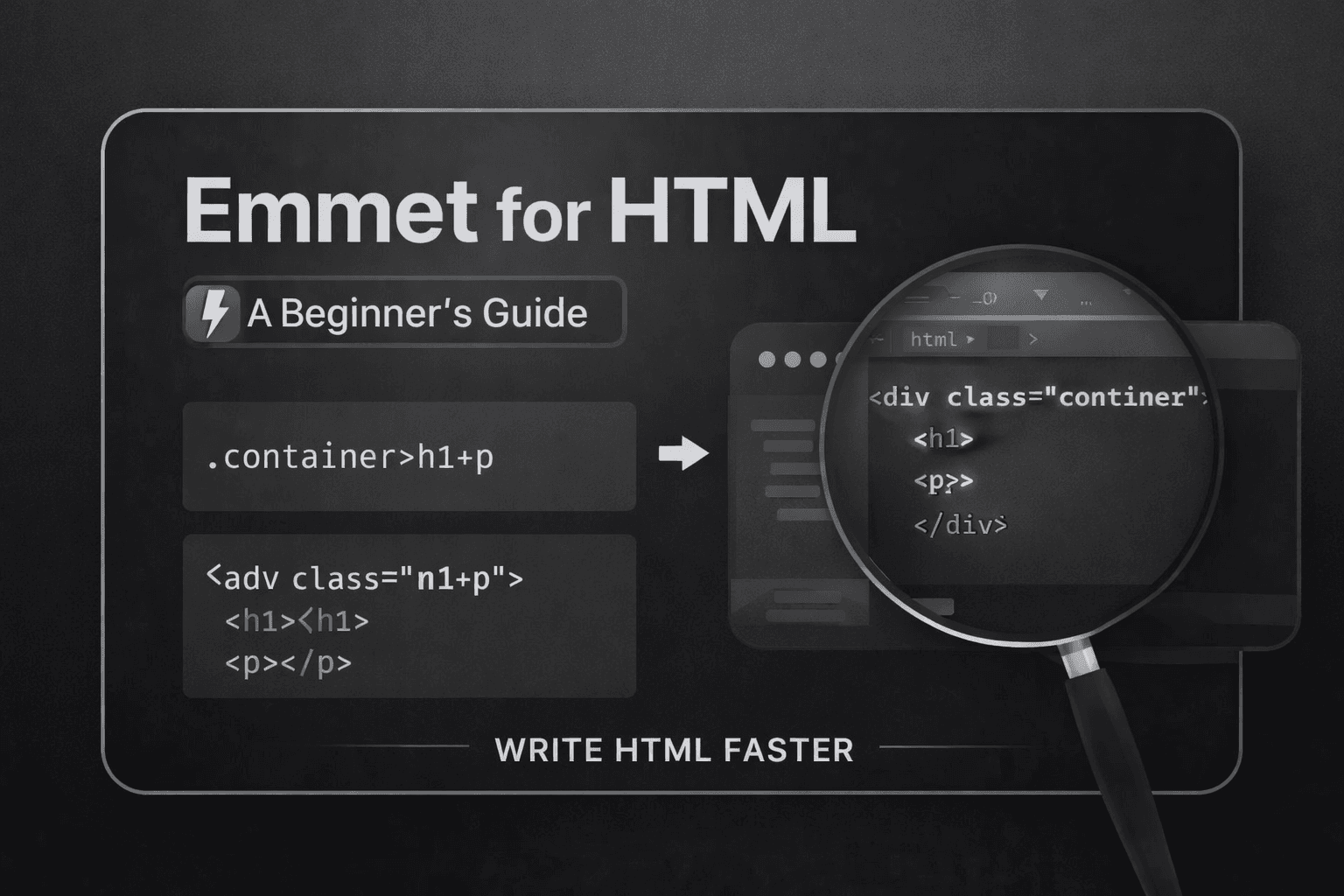
In Visual Studio Code (VS Code), we have Emmet. Emmet is a plugin that helps us write code faster by providing useful shorthand notation for writing repetitive things in HTML and CSS.
Why Emmet is useful for HTML beginners
In HTML, we code around multiple tags. Writing these tags 1000 times, we can use Emmet Abstraction, which make coder fast.
example
div # we just type this and hit -enter

<div></div> # emmet autocomplete this tags for us
Why Emmet is useful for HTML beginners
For a beginner who is trying to learn the core concept of HTML and it’s working, emmit helps there to reduce the pressure of remembering all the syntax.
Emmet helps you:
Write HTML 10x faster
Avoid spelling mistakes in tags
Generate nested structures easily
Create repeated elements in seconds
Build boilerplate HTML instantly
How Emmet works inside code editors
Emmet comes built-in inside most editors, especially:
How you use it
Open an HTML file (example:
index.html)Type an Emmet abbreviation
Press:
Hit
Tabor
Enter
Type:
h1
Press Enter, and it becomes:
<h1></h1>
Useful Syntax of Emmet
Emmet uses symbols like shortcuts.
Here are the most useful ones:
| Symbol | Meaning |
> | child (inside) |
+ | sibling (next to) |
* | multiply/repeat |
. | class |
# | id |
[] | attributes |
Creating HTML elements using Emmet
Example 1: Simple element
Emmet:
p
HTML output:
<p></p>
Example 2: Element with inner text
Emmet:
p{Hello world}
Output:
<p>Hello world</p>
Adding classes, IDs, and attributes
Adding a class (.)
Use tagname, then a single [dot] and classname
Emmet:
div.card
Output:
<div class="card"></div>
Even shorter:
Emmet:
.card
Output:
<div class="card"></div>
(because Emmet assumes div by default)
Adding an ID (#)
Use tagname then, Pound Simble ( # ) followed by Id
Emmet:
div#main
Output:
<div id="main"></div>
Class + ID together
Emmet:
section#hero.banner
Output:
<section id="hero" class="banner"></section>
Adding attributes ([])
Example link tag:
Emmet:
a[href="https://google.com"]
Output:
<a href="https://google.com"></a>
Example image:
Emmet:
img[src="photo.jpg" alt="my image"]
Output:
<img src="photo.jpg" alt="my image">
Notice: img has no closing tag (Emmet knows that).
Creating nested elements
Nesting means element inside element.
Emmet uses:
>
Example: Nav with list
Emmet:
nav>ul>li
Output:
<nav>
  <ul>
    <li></li>
  </ul>
</nav>
Example: Card layout
Emmet:
div.card>h2+p
Output:
<div class="card">
  <h2></h2>
  <p></p>
</div>
Creating siblings
Emmet uses:
+
Example:
Emmet:
h1+p
Output:
<h1></h1>
<p></p>
Example:
Emmet:
header+main+footer
Output:
<header></header>
<main></main>
<footer></footer>
Repeating elements using multiplication (*)
This is used to save a lot of time
Example: 5 list items
Emmet:
ul>li*5
Output:
<ul>
  <li></li>
  <li></li>
  <li></li>
  <li></li>
  <li></li>
</ul>
Combining nesting + multiplication
Note: This syntax is useful, but it's easy to forgot these syntax if you don’t practice and use it in your daily coding workflow, so always try to practice it. Also, keep in mind these are helpful for faster code writing, but if you can’t remember any of them, then it is totally fine.
Example: Menu list
Emmet:
nav>ul>li*4>a[href="#"]
Output:
<nav>
  <ul>
    <li><a href="#"></a></li>
    <li><a href="#"></a></li>
    <li><a href="#"></a></li>
    <li><a href="#"></a></li>
  </ul>
</nav>
Now add text:
Emmet:
nav>ul>li*4>a[href="#"]{Menu}
Output:
<nav>
  <ul>
    <li><a href="#">Menu</a></li>
    <li><a href="#">Menu</a></li>
    <li><a href="#">Menu</a></li>
    <li><a href="#">Menu</a></li>
  </ul>
</nav>
Generating a full HTML boilerplate with Emmet
This is the most famous Emmet shortcut.
HTML Boilerplate
Just type:
Emmet:
! # then hit enter
Press Tab → You get:
<!DOCTYPE html>
<html lang="en">
<head>
  <meta charset="UTF-8">
  <meta name="viewport" content="width=device-width, initial-scale=1.0">
  <title>Document</title>
</head>
<body>

</body>
</html>
Conclusion:
Keep in mind that Emmet is a tool that helps coders to ship faster, but it is totally optional. If you just see the command and not practice them, then you definitely forgot every shotcut emmet provides you, so just use this article for reference purposes and do this trick in vs code for build your own muscle memory.