TCP Working: 3-Way Handshake & Reliable Communication
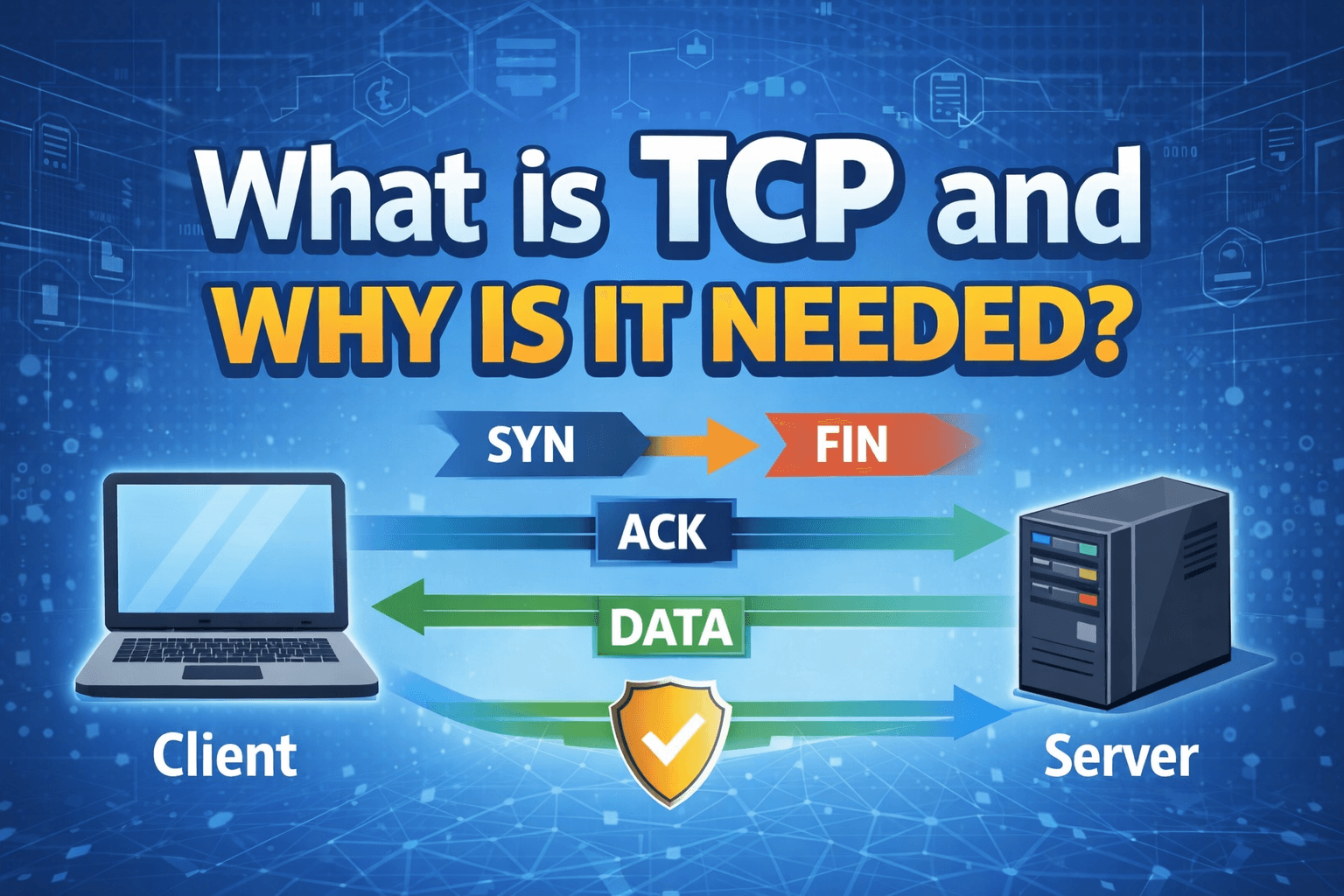
What is TCP, and why is it needed
Before starting the discussion on why we need TCP, we need to understand the Internet a little bit.
Internet is nothing but a connection of multiple interconnected network. The internet word also comes from “inter”, from interconnected, and “net” from network. Now, a network is a connection of multiple devices with the motive of sending and receiving data between devices that are connected.
Now, as we got little bit understand about the network lets discuss the need of TCP.
As we know network or internet both has a purpose of sending data. Now, to send data, we have some kind of rules and regulations, because there are billions of devices connected to the internet, during the data travel, it may be lost, it may collide with other data.
What are the problems we have
The full form of TCP is Transmission Control Protocol. So TCP actually solves so many problems together during the transmission of data, but these are the main once.
Reliable delivery
Correct order of data packets
Flow control
How TCP solves it
As we already know, there might be billion of active devices on the internet, and the purpose of the internet also sharing data between devices.
For now, assume that the device that sends data is the client and that the device that receives the data is the server. Server receive the data and do some processing, and send back the response.
Now, do you agree there is a problem for the client device that doesn’t even know whether the server that the client wants to communicate exist or not. That is the problem.
So TCP has a unique mechanism to solve that.
3-Way Handshake

In layman's terms, what TCP doing client tells the server, “Hey server, are you there? I want to talk.” “Yes, client, I am there. Go ahead.” The client says, ” and then the client says the actual thing that he wants to talk to the server.
Now we are going to make a deep drive to the 3-way handshaking.
Step Number 1: SYN
Client prepare a data packet which at first does not have any data except some information with TCP option, the source ip of the client, the client port address, the server IP, the server PORT, and some flags.
If we have a client, we are definitely running some kind of application which also active on some ip with a port that are client ip and the client port.
Also, we have to send that data somewhere that server also have a port and a ip that is the server ip and server port.
Also, we have some flags like ACK, SYN, etc.
For the first time, when the client send the request to the server, it set the SYN flag to 1, and everything else is 0 (ACK is 0 in this packet).
They also generate a Sequence Number that isa large integer (random).
Step Number 2: SYN-ACK
This also have all client ip port and flags.
Server set both the ACK and SYN flags to 1.
Server also take a random Sequence Number (a large and unique integer number), and this time the server set the ACK number to the client request sequence number + 1.
This means the server is telling: “I received your SYN”.
Step Number 3: ACK
If the client receives that data successfully; client send packet again.
In this step SYN flag is NOT 1 again. Only ACK is 1. ✅ (this was wrong earlier)
Client set the ACK number to the server sended sequence number + 1.
And this is the last step of handshaking.
Now the connection is established, and actual data transfer starts.

How Retransmission Works
If the client send packet to the server and the server does not give any ACK,
Then the client waits for a few times and stores the data stored in the TCP buffer until the predefined timer does not expire.
When the timer expire the client retransmits that packet a few times until it succeeds.
This is how TCP gives Reliable Delivery.
How does it provide flow control
TCP, it has an option called the window size. This is nothing but a packet size number. It says that the receiver is capable to receive that much data at a single go. So if more than that size of data receive then it becomes an overflow.
So the sender uses this window size to send data smoothly without overloading the receiver.
Correct order of data packets
In TCP, after the handshake is done, TCP use Sequence number and ACK numbers to maintain order.
Assume the client sends 500 bytes of data, then the server reply ACK with the next byte expected.
So ACK number becomes 501, which means the server successfully gets the 500 bytes and is now expectingthe next byte.
Also, TCP does not always send only one packet and then wait; it can send multiple packets depending on the window size, but it always ensures missing packets are retransmitted, and the final data becomes correct and in order.

How TCP terminates the connection
After the client and server finished the data communication, both of them need to close the connection properly, because TCP is connection oriented protocol. So TCP also has a mechanism for termination.
This termination is done by a process called:
FIN-ACK
In layman's terms:
Client says, “Server, I am done, I want to close the connection.”
Server says, “Okay, I got it.”
Server says, “I am also done, I also want to close.”
Client says, “Okay.”
Then the connection closes.
Step Number 1: FIN
Client sends a packet to the server with FIN = 1 and ACK = 1
This means the client is saying:
“I have no more data to send. Close my side connection.”
Step Number 2: ACK
The server receives the FIN packet and replies with ACK = 1
This means:
“Okay, client, I received your FIN request.”
At this point, the connection is not fully closed because the server may still have some data to send.
Step Number 3: FIN
When the server finishes sending all remaining data, it sends another packet to the client, FIN = 1 & ACK = 1
This means the server is saying:
“Now I am also done, I want to close the connection.”
Step Number 4: ACK
Client receives server FIN and sends the final packet ACK = 1
This means:
“Okay, server, I received your FIN. The connection can be closed.”