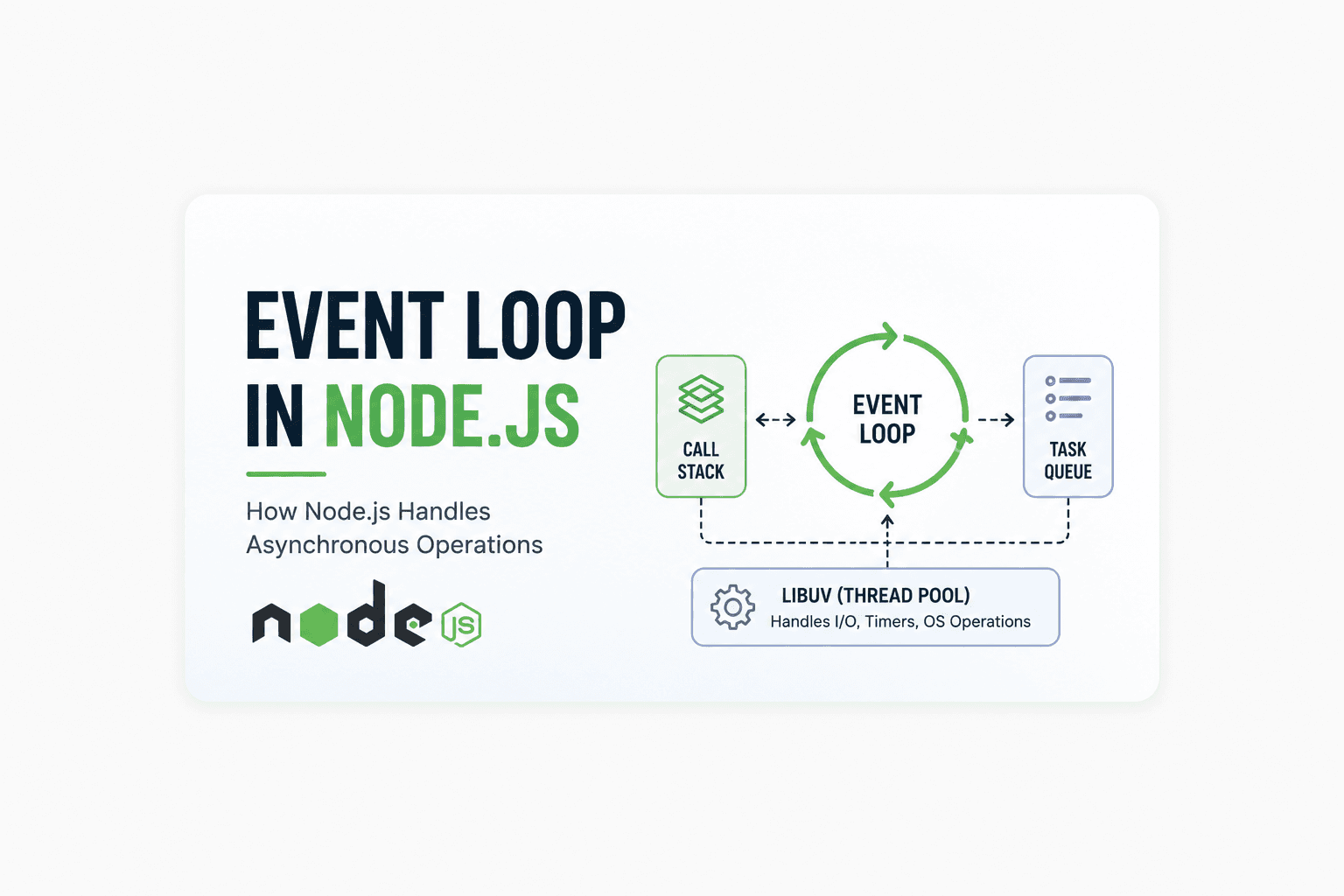
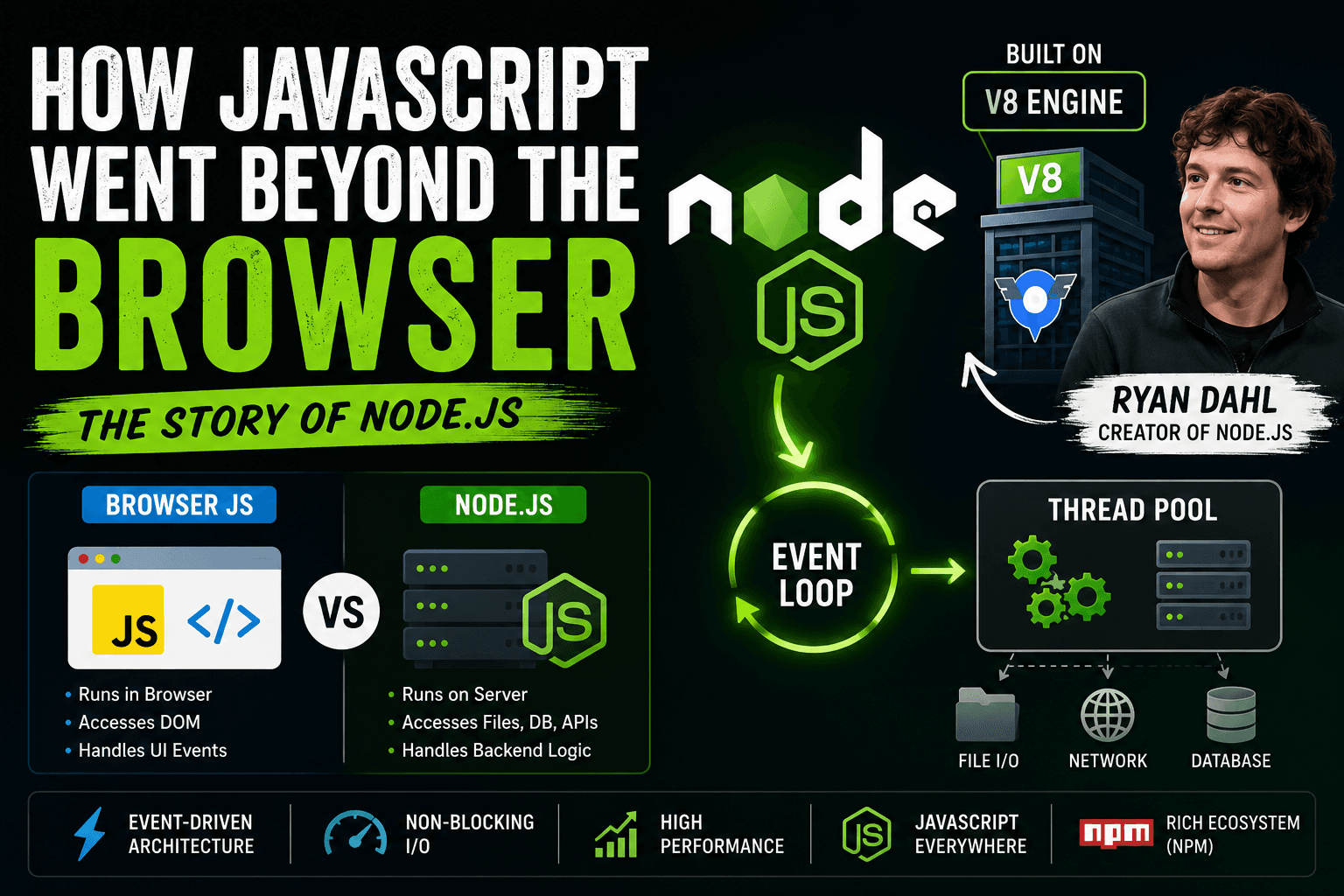
Understanding Blocking vs Non-Blocking Code in Node.js
When developers talk about why Node.js is fast, the main reason is its non-blocking architecture. To understand this properly, we first need to understand what blocking and non-blocking code actually mean.
What is Blocking Code?
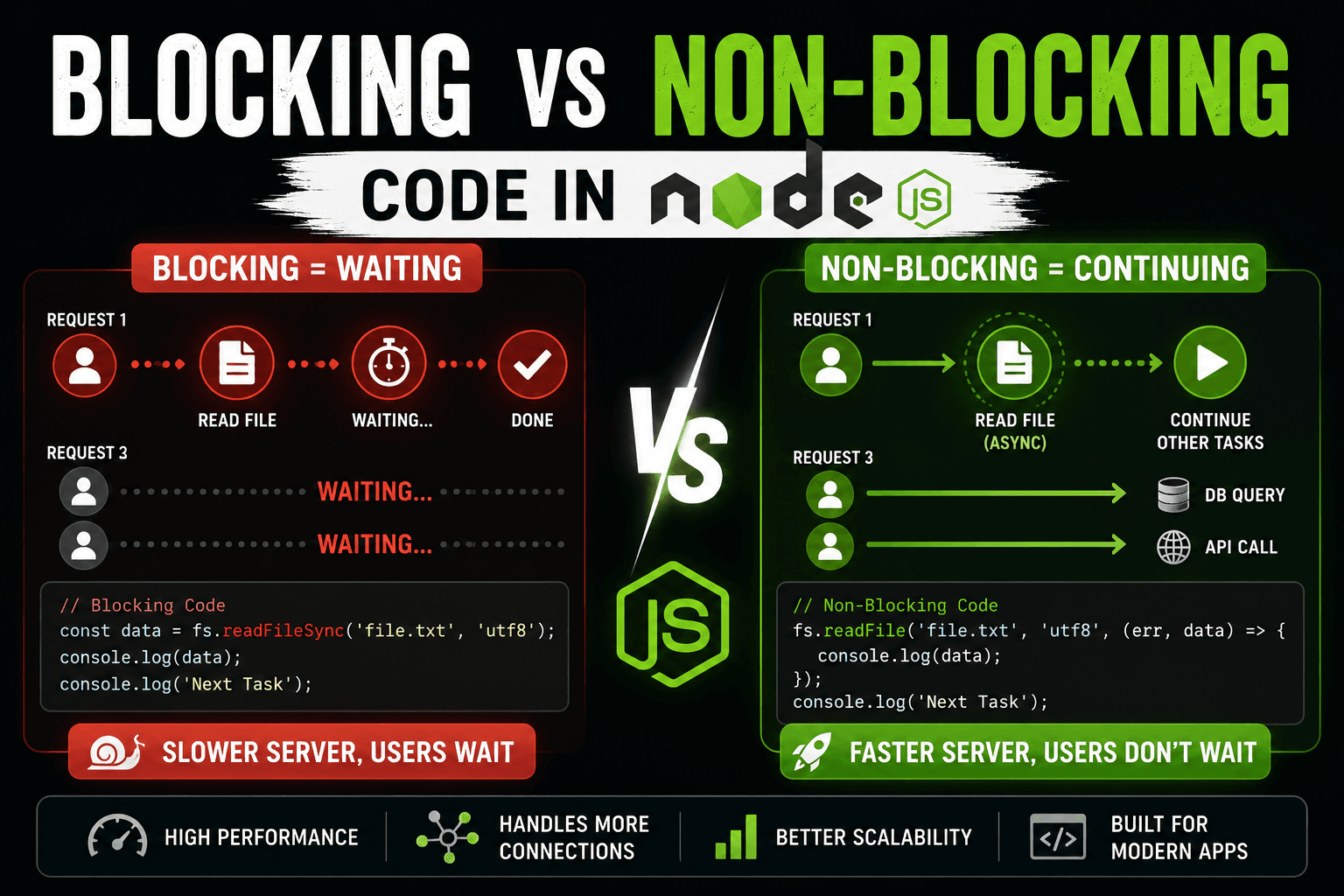
Blocking code stops the execution of other tasks until the current task finishes.
Imagine a restaurant with only one worker. If that worker starts cooking one order, every other customer must wait until the cooking is complete. This is exactly how blocking code works.
Example:
const fs = require("fs");

const data = fs.readFileSync("file.txt", "utf8");

console.log(data);
console.log("Next Task");
Here readFileSync() blocks the execution. Node.js waits until the file is fully read before moving to the next line.
Why Blocking Slows Servers
In backend servers, thousands of users may send requests at the same time.
If one request blocks the server while reading a file or fetching database data, other users must wait. This reduces performance and scalability.
Request 1 ---> Reading File ---------> Done
Request 2 ---> Waiting...
Request 3 ---> Waiting...
This becomes a huge problem in high-traffic applications.
What is Non-Blocking Code?
Non-blocking code allows Node.js to continue executing other tasks while a slow operation runs in the background.
Example:
const fs = require("fs");

fs.readFile("file.txt", "utf8", (err, data) => {
  console.log(data);
});

console.log("Next Task");
Here, Node.js starts reading the file but does not wait for completion. It immediately moves to the next task.
Async Operations in Node.js
Most operations in Node.js are asynchronous by default:
File reading
Database queries
API requests
Network operations
These tasks are handled using callbacks, promises, or async/await.
Non-Blocking Execution Flow
Request 1 ---> Reading File ----\
                                 ---> Continues Other Tasks
Request 2 ---> Processing ------/
Request 3 ---> API Call --------/
This is why Node.js performs extremely well for APIs, chat apps, streaming platforms, and real-time systems.
Instead of waiting, Node.js keeps working. That single idea is what made Node.js revolutionary.