Understanding JavaScript Functions: Declaration vs Expression
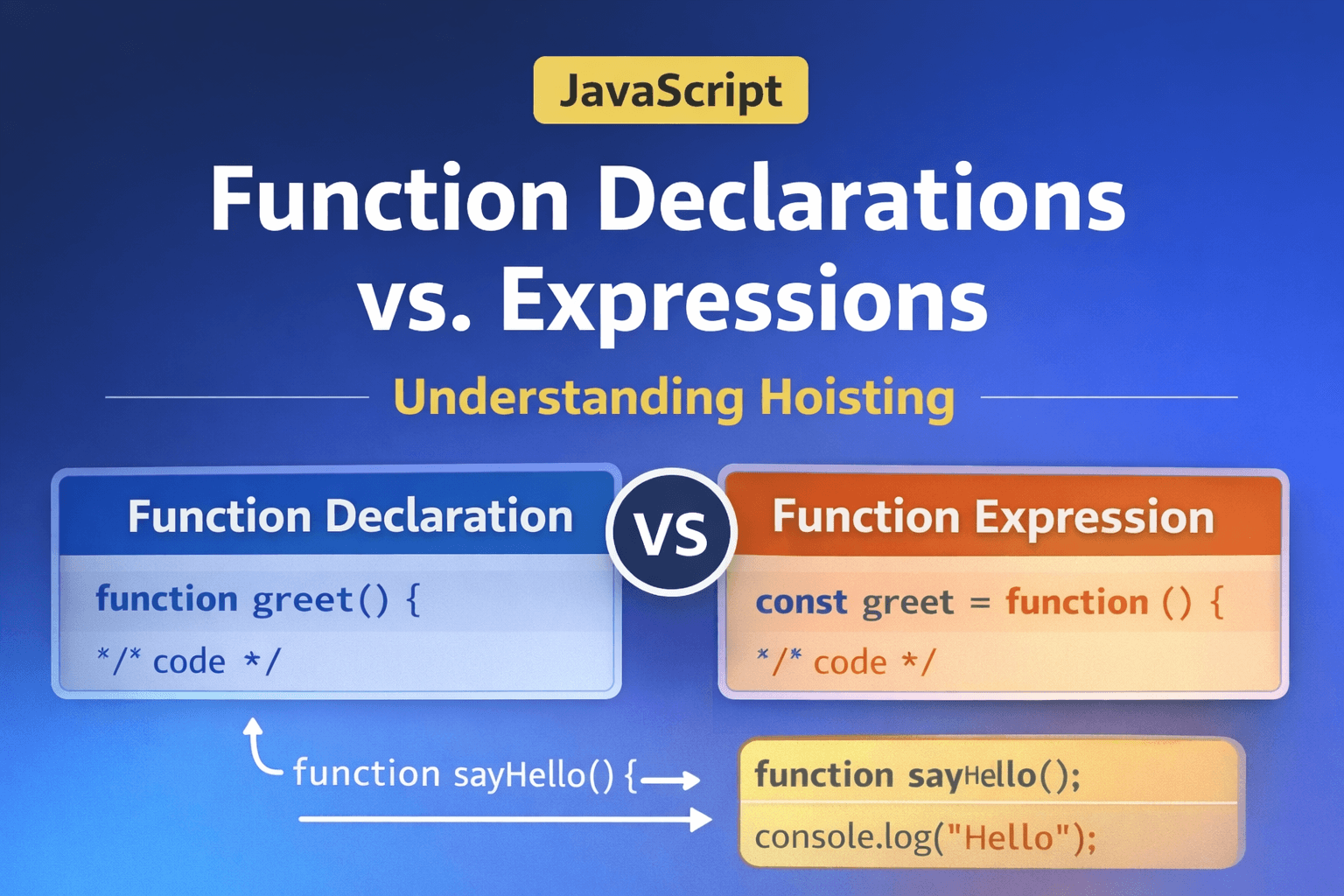
In today's blog, we are going to learn about functions in JavaScript and the use cases of functions. Our main focus for today's blog is understanding functions, function declarations, and function expressions.
What is a Function?
A function is a block of code designed to perform a specific task. Instead of writing the same code again and again, we wrap that logic inside a function and call it whenever we want to use it or needed.
For example, assume you want to add two numbers multiple times.
Let's take an example
let result1 = 5 + 10;
let result2 = 7 + 3;
let result3 = 8 + 12;
Without a function, if we need to add two numbers multiple time our code looks like this. This does not follow the DRY (Do not Repeat Yourself ) principle.
Instead, we can you function
function add(a, b) {
  return a + b;
}

// Now we can reuse it:

add(5, 10); // 15
add(7, 3);  // 10
add(8, 12); // 20
It improved code readability and maintainability.
Function Declaration
A function definition (also called a function declaration, or function statement) consists of the function keyword, followed by:
The name of the function.
A list of parameters to the function, enclosed in parentheses and separated by commas.
The JavaScript statements that define the function, enclosed in curly braces,
{ /* … */ }.
Syntax
function functionName(parameters) {
  // code to execute
}
Example:
function multiply(a, b) {
  return a * b;
}
Function Expression
A function expression is another way of writing a function, and the syntax is almost similar to a function declaration. The main difference between a function expression and a function declaration is that the function name in a function expression can be omitted to create an anonymous function. A function expression can be used as an IFEE ( Immediately Invoked Function Expression), which runs as soon as it is defined.
Syntax
const variableName = function(parameters) {
  // code
};
Example
const getRectArea = function (width, height) {
  return width * height;
};

console.log(getRectArea(3, 4));
// Expected output: 12
Here we store the function in a variable.
Note: Function expressions in JavaScript are not hoisted, unlike function decleartions. You can't use function expression before you create them:
console.log(notHoisted); // undefined
// Even though the variable name is hoisted,
// the definition isn't. so it's undefined.
notHoisted(); // TypeError: notHoisted is not a function

var notHoisted = function () {
  console.log("bar");
};
| Feature | Function Declaration | Function Expression |
|---|---|---|
| Definition style | Defined using function name() |
Stored inside a variable |
| Naming | Must have a function name | Usually anonymous |
| Hoisting behavior | Fully hoisted | Not fully hoisted |
| Use case | General reusable functions | Dynamic or conditional functions |

Basic Idea of Hoisting
In JavaScript, Hosting is the concept where the JavaScript interpreter moves the function declaration, variables, classes, or imports to the top of their scope before executing the code.
To understand this, let's take a few examples
Example 1:
console.log(variable1); // Line 1
var variable1="holding a string"; // Line 2
console.log(variable1); // Line 3

// Instead of throwing a error the output looks like this
// undefined
// holding a string
As you can see here, instead of throwing errors in line 1, it says undefined because variable1 The value is still not defined, but on line 2, the value is defined. it's holding a string, so when we use that in line 3, we get our expected output.
Example 2:
console.log(value1)
Now, in this example, you can clearly see that there is no variable named value1, so it throws an error value1 is not defined.
Function Declaration Hoisting Example
sayHello(); // Works

function sayHello() {
  console.log("Hello!");
}

// Output
// Hello!
This happens because function declarations are fully hoisted to the top of their scope during the creation phase of execution.
Note that function expression are not hoisted
sayHi(); // Error

const sayHi = function () {
  console.log("Hi!");
};

// Output Error
// sayHi is not defined
Conclusion
Functions are one of the most important building blocks in JavaScript. They allow us to write reusable and maintainable code.
Practice Assignment: Try Yourself
Practice Assignment
Write a function declaration that multiplies two numbers.
Example:
function multiply(a, b) {
  return a * b;
}

console.log(multiply(4, 5));
Write the same logic using a function expression.
const multiplyNumbers = function(a, b) {
  return a * b;
};

console.log(multiplyNumbers(4, 5));